Bulk tag products
Apply brands or buyer categories to many products at once.
Help ArticleUpdated June 20, 20261 min read
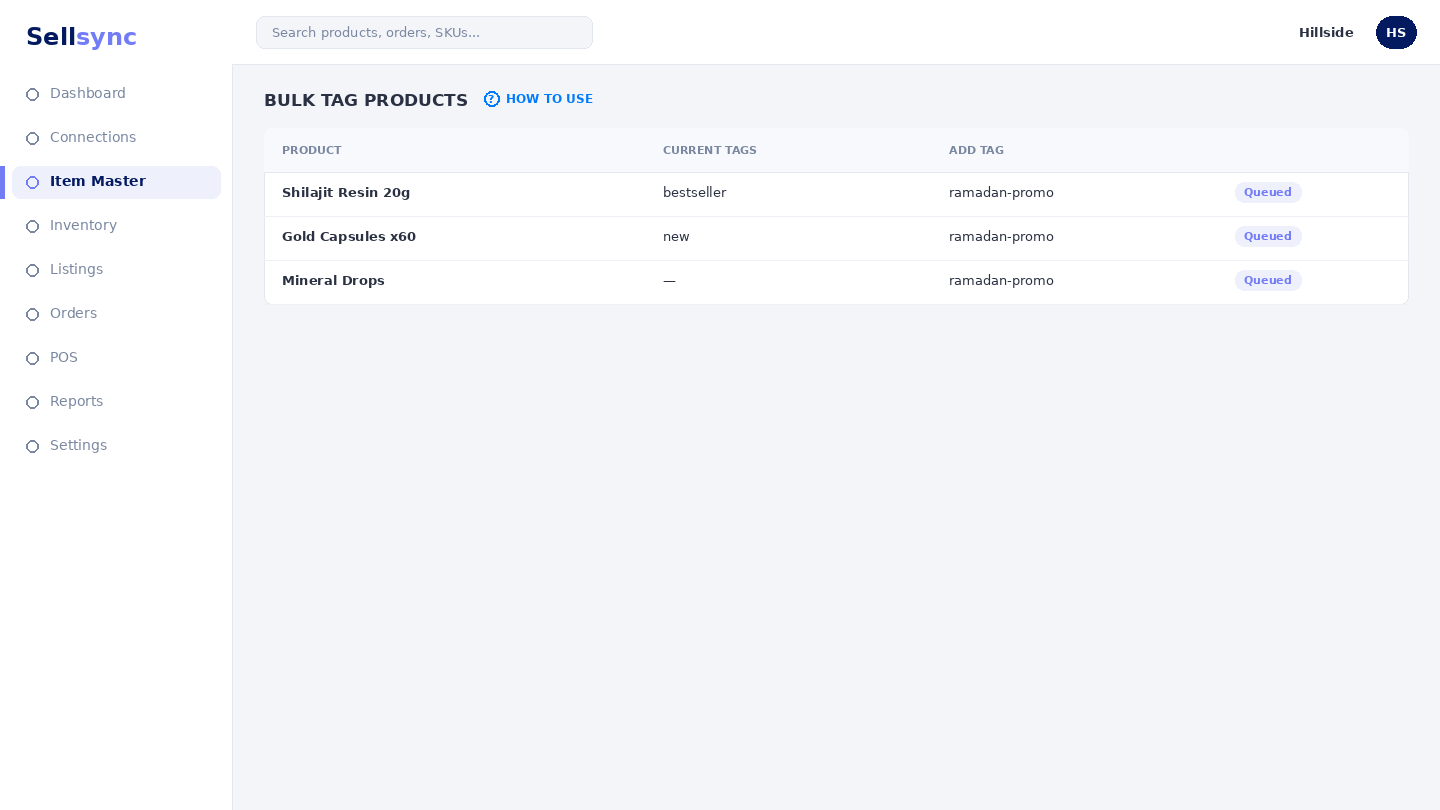
Tags — brands and buyer categories — make your catalogue easier to filter and report on. Bulk tagging saves you editing products one by one.
Steps
- 1Open Products and choose Bulk Tag.
- 2Select the products you want to tag using the checkboxes.
- 3Choose the brand or buyer category to apply.
- 4Apply the tag to every selected product at once.
- 5Use the new tag to filter products and reports later.
Good to know
Sell-through reports can be grouped by brand and category, so consistent tagging pays off when you look at performance.
Tip
Tagging by brand and category makes your sell-through reports far more useful.
Was this article helpful?