Use sell-through reports
See how quickly stock sells, grouped by brand, category, or SKU.
Help ArticleUpdated June 19, 20261 min read
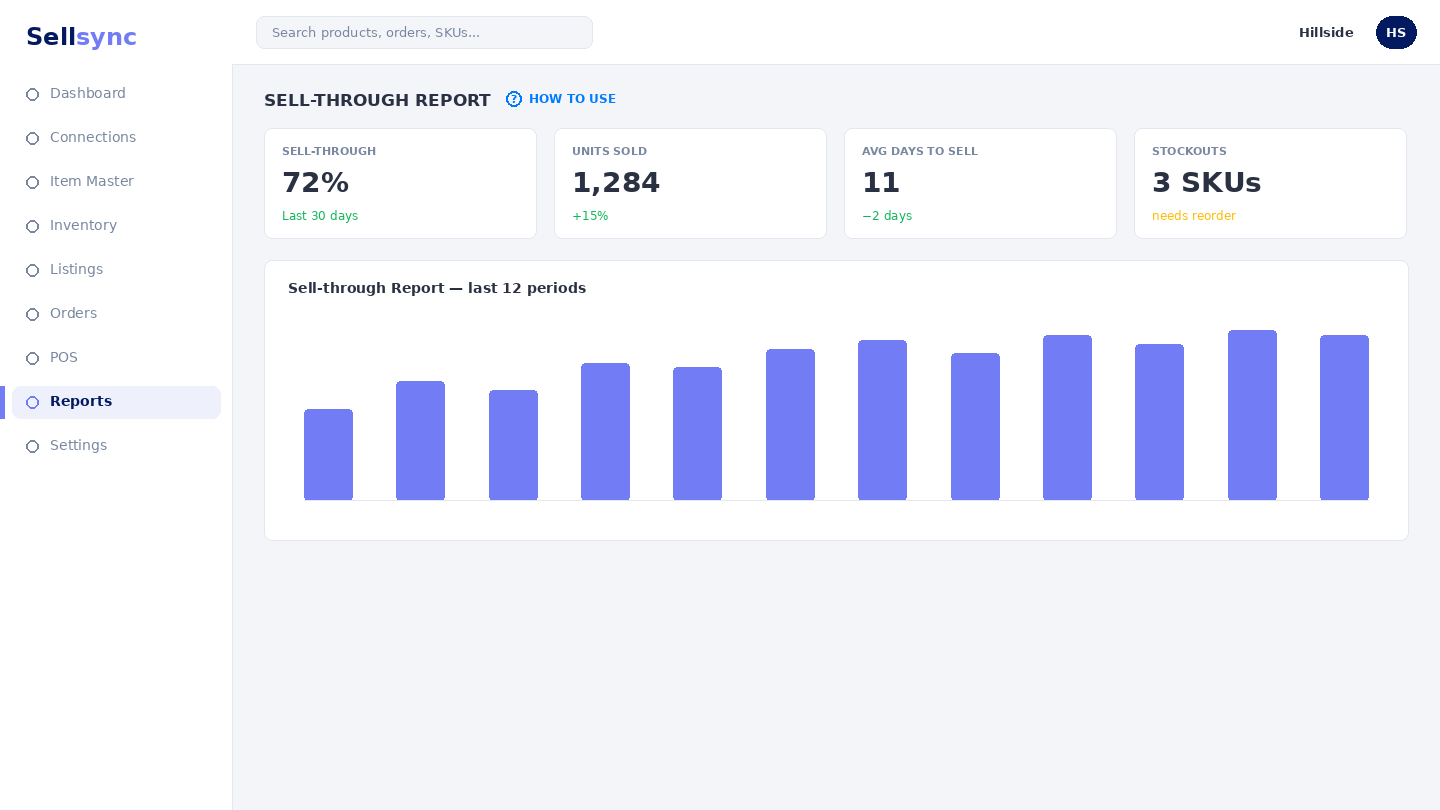
Sell-through tells you how fast your stock is turning. You can view it by brand, by buyer category, or down to the individual SKU, so you know what to reorder and what is sitting still.
Steps
- 1Open Reports and choose a sell-through view — brand, category, or SKU.
- 2Pick the period you want to measure.
- 3Read which lines are selling through quickly and which are slow.
- 4Switch the grouping to dig from brand down to SKU.
- 5Use what you find to plan reorders and promotions.
Good to know
Consistent brands and buyer categories make these reports far more useful — tag products well to get clean groupings.
Note
Sell-through compares what sold against what you held — tag products well so the breakdown is meaningful.
Was this article helpful?