View and edit parent products
Find, review, and update the parent products that group your SKUs together.
Help ArticleUpdated June 21, 20261 min read
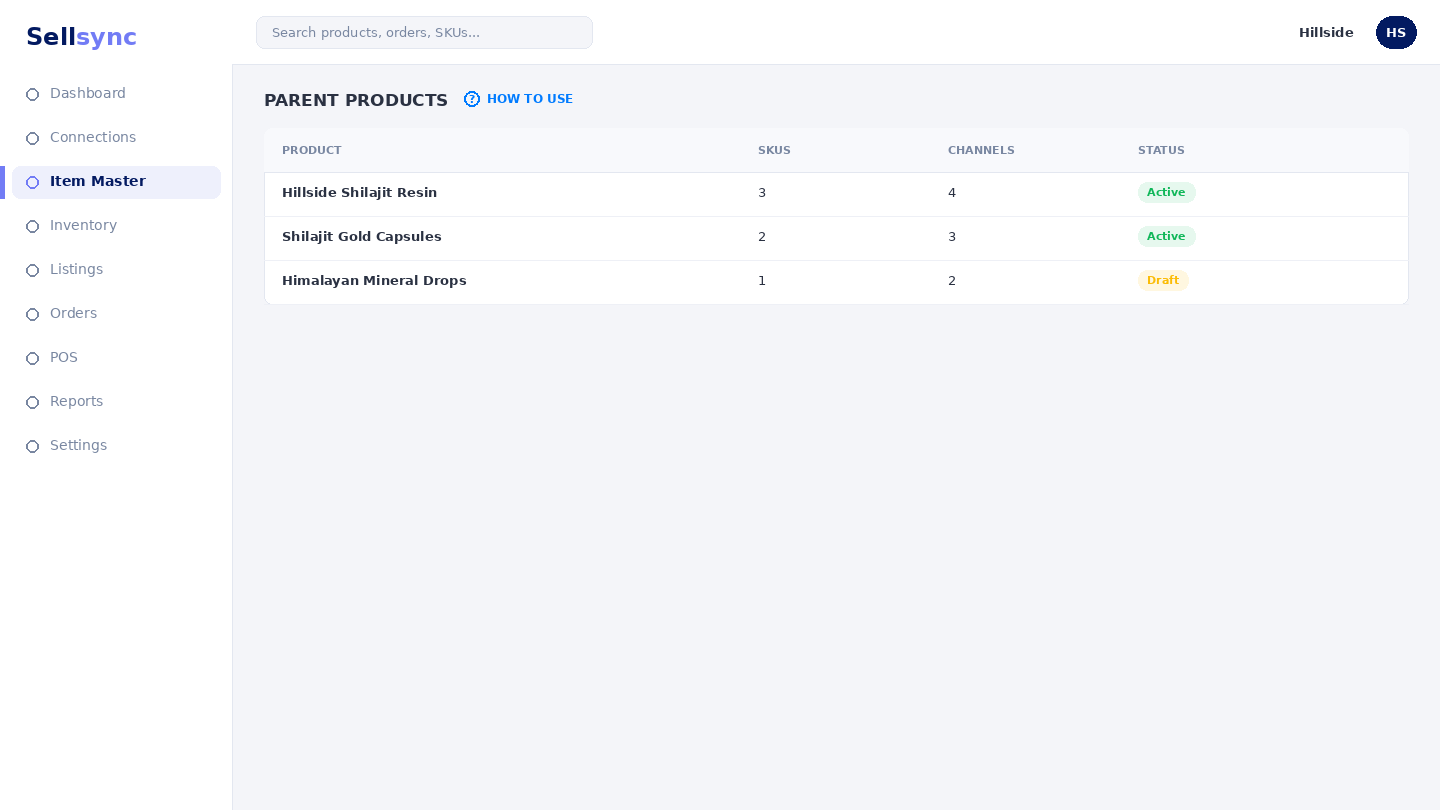
A parent product is the umbrella that holds related SKUs together — for example one product offered in several sizes. This screen lists every parent product in your catalogue so you can keep names, images, and groupings tidy.
Steps
- 1Open Item Master and choose View/Edit Parent Products.
- 2Use the search box to find a product by name or parent SKU.
- 3Click View to see the SKUs parked under that product.
- 4Click Edit to change the name, image, or other details, then save.
- 5Use Delete only when a product is no longer sold — move its SKUs first.
Good to know
Bulk Tag lets you label many products at once so they are easier to filter later. Adding a new product here is the same as Create Parent Product.
Remember
A parent groups its variants — edits here describe the product, while price and stock live on each single SKU.
Was this article helpful?