Arrange shipping
Group orders into a batch, request airway bills, and prepare parcels for the courier.
Help ArticleUpdated June 20, 20261 min read
Arrange Shipping is where orders become parcels. You batch orders together, request airway bills, and get everything ready to hand to your courier.
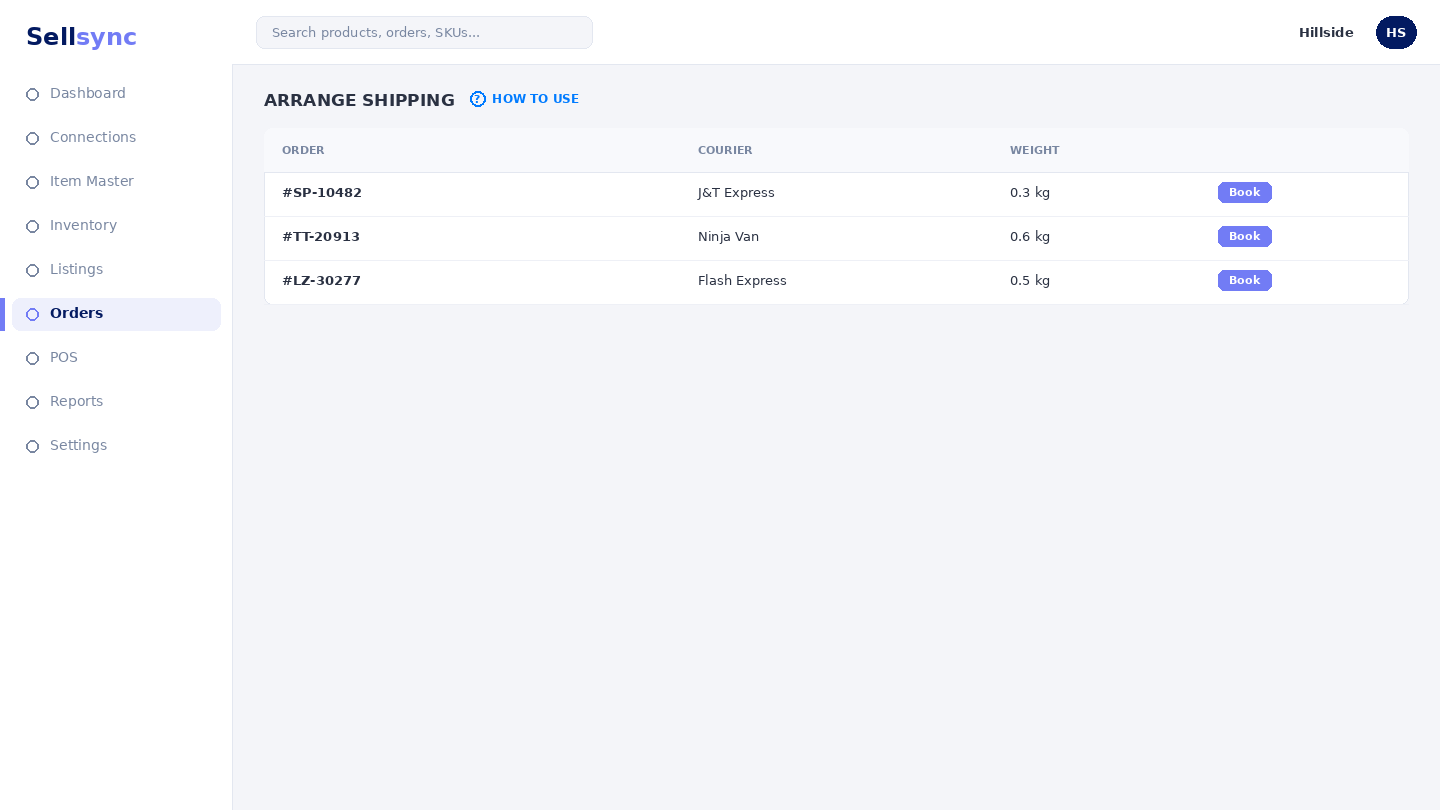
Steps
- 1Open Orders and go to Scheduled Shipments.
- 2Create a batch for the orders you are shipping together.
- 3Request airway bills for the batch.
- 4Print the labels and packing slips.
- 5Hand the parcels to the courier and mark them shipped.
Good to know
Batching by courier or by day keeps handovers tidy. Shipped orders then show under Orders by Ship Date.
Note
Grouping orders into a batch lets you buy labels and hand off to the courier in one go.
Was this article helpful?