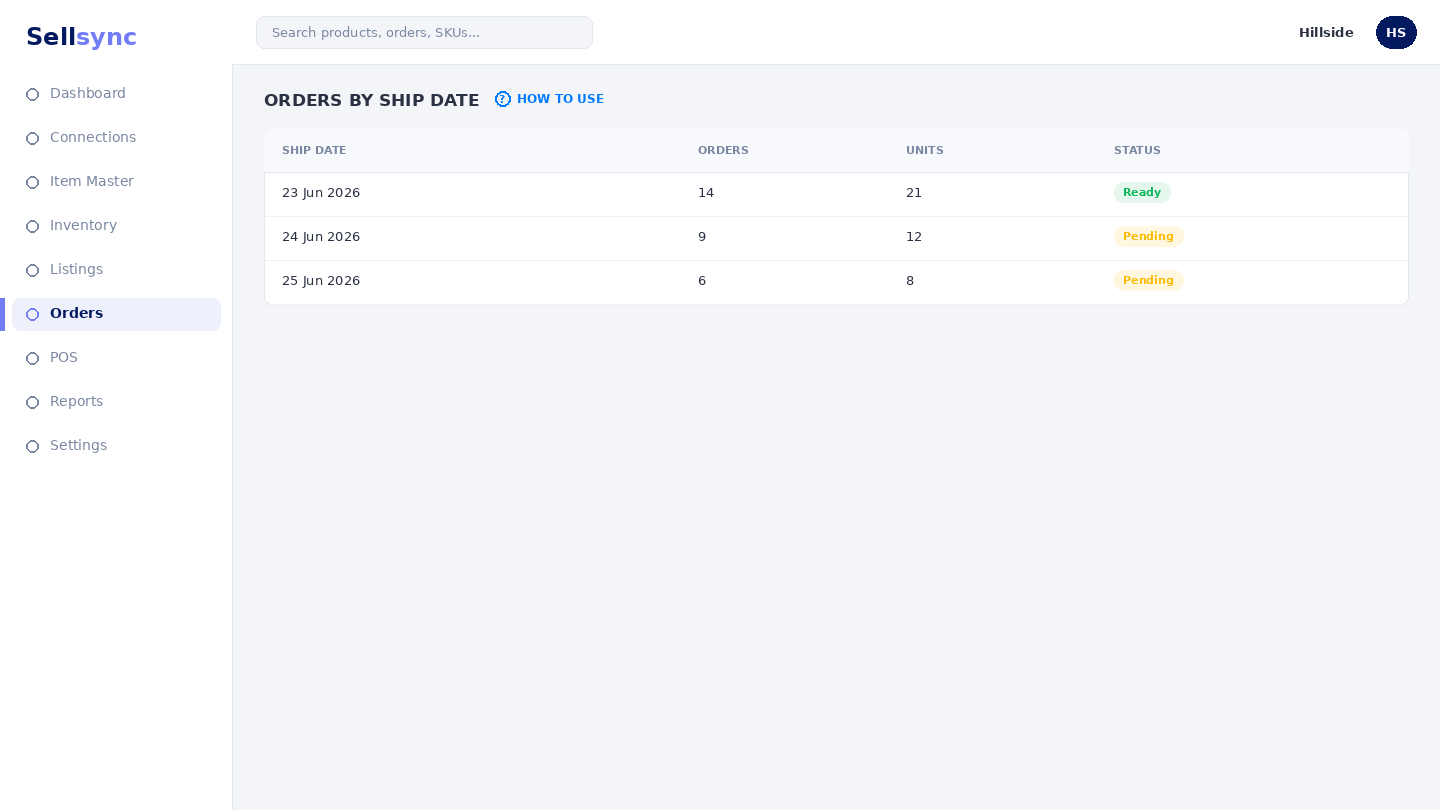
Orders by ship date
Review shipped orders grouped by the day they left your warehouse.
Help ArticleUpdated June 20, 20261 min read
This view buckets orders that have shipped by the day they went out, so you can confirm what left and chase anything still in transit.
Steps
- 1Open Orders and choose Orders by Ship Date.
- 2Browse the day-by-day groups, newest first.
- 3Open any order to see its tracking or airway bill.
- 4Use the status to tell shipped, in transit, and delivered apart.
- 5Follow up on anything that has been in transit too long.
Good to know
An order appears here once it has an airway bill from Arrange Shipping. Until then it stays in the main orders queue.
Tip
Sort by ship date to catch anything due today before the courier cut-off.
Was this article helpful?