Process and ship an order
Take an order from the queue through picking, packing, label, and courier handover.
Help ArticleUpdated June 20, 20261 min read
Every connected channel's orders land in Manage Orders. From there you move an order through fulfilment without leaving Sellsync.
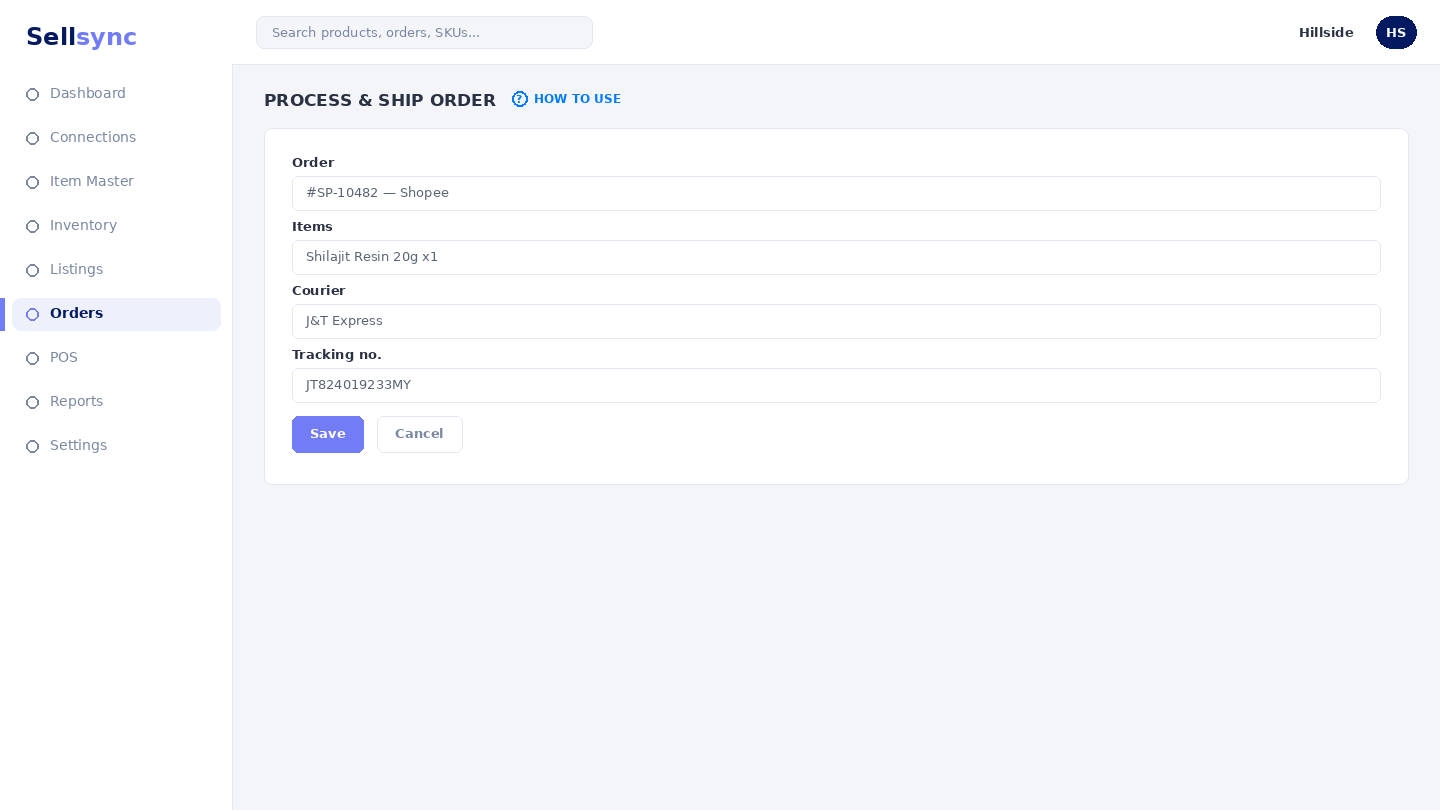
Steps
- 1Open Manage Orders and filter to the orders you want to work on.
- 2Print a picking list to pull the right items from your shelves.
- 3Use Arrange Shipping to generate the airway bill and packing slip.
- 4Hand the parcel to your courier and mark the order shipped.
- 5The channel receives the status and tracking so the buyer is updated.
Other fulfilment options
For customers collecting in person, use In-Store Pickup. To plan ahead, Scheduled Shipments and Orders by Ship Date help you batch work by day.
Tip
Batch similar orders together in Arrange shipping to print labels faster.
Was this article helpful?