Review cancellations
Track cancelled orders to understand why sales are being lost.
Help ArticleUpdated June 19, 20261 min read
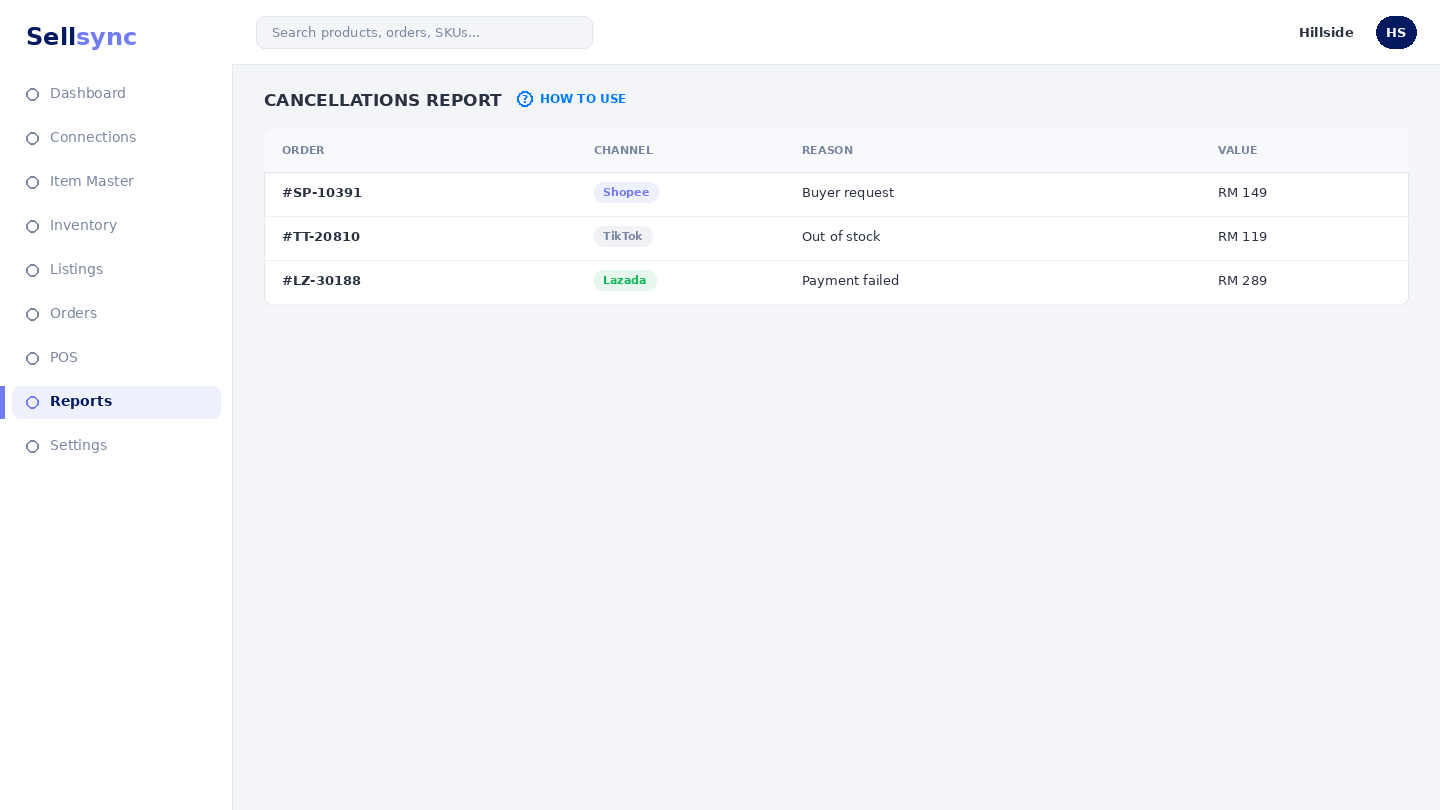
The cancellations report gathers orders that did not complete so you can look for patterns — a channel, a product, or a reason that keeps coming up.
Steps
- 1Open Reports and choose Cancellations.
- 2Pick the period you want to review.
- 3Look for clusters by channel, product, or reason.
- 4Note any recurring cause worth fixing.
- 5Track the number over time to see if changes help.
Good to know
A rising cancellation rate often points at stock or pricing issues — cross-check with your inventory and sales reports.
Note
A cancelled order restocks automatically — this report helps you spot why cancellations happen.
Was this article helpful?