Read your sales reports
Drill into sales over time and revisit past sales history by channel.
Help ArticleUpdated June 19, 20261 min read
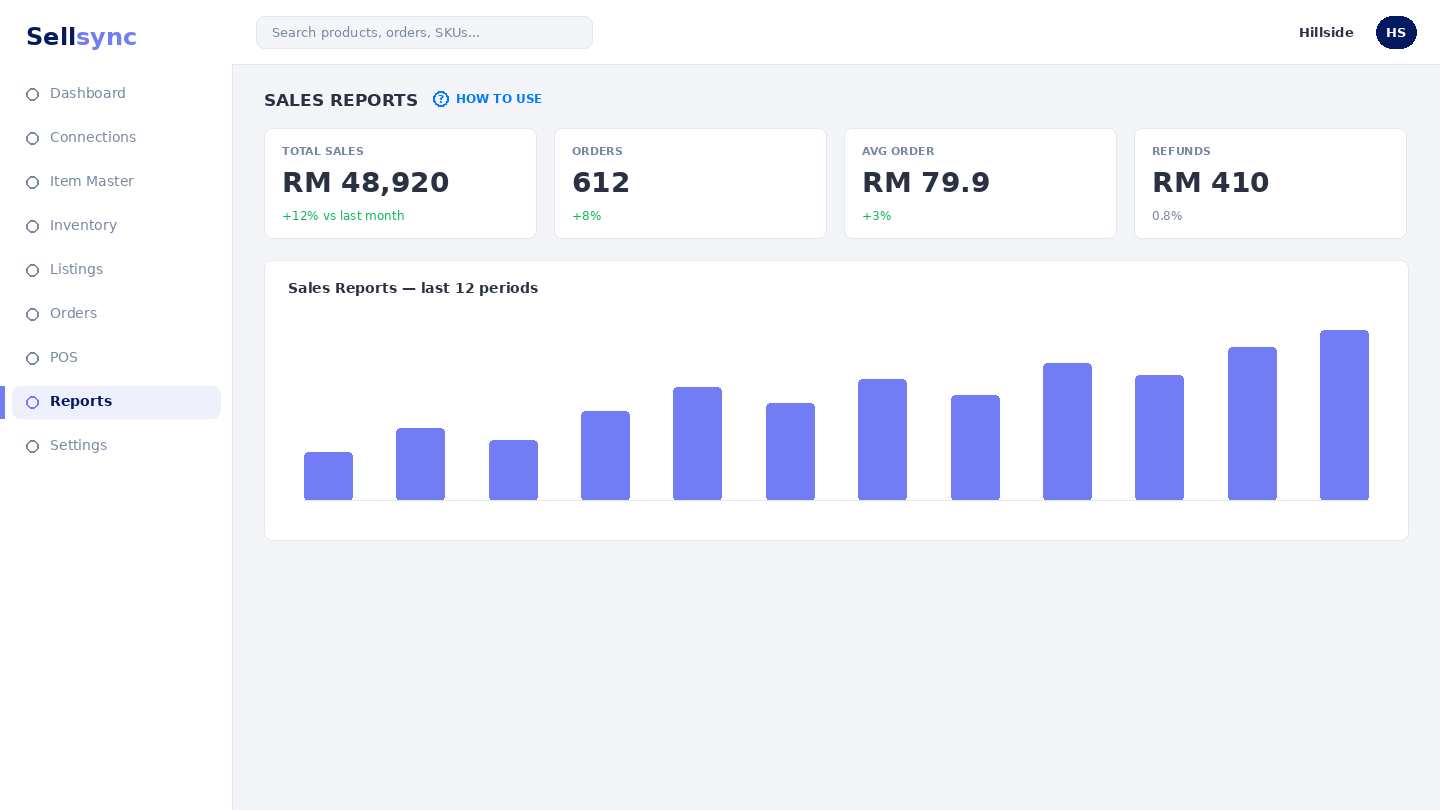
Sales reports show how much you are selling and where. The drill down lets you slice sales by period and channel, while Sales History keeps a record you can return to.
Steps
- 1Open Reports and choose Sales Drill Down.
- 2Pick the date range you want to look at.
- 3Break the figures down by channel or period.
- 4Compare against an earlier range to see the trend.
- 5Open Sales History for a record of past sales.
Good to know
Reports fill in as real orders flow through Sellsync, so expect them to be empty until you are trading live.
Tip
Use the date range and channel filters together to compare how each marketplace performed over the same period.
Was this article helpful?