Work with finance data
Review the financial side of your orders and find ones missing finance details.
Help ArticleUpdated June 18, 20261 min read
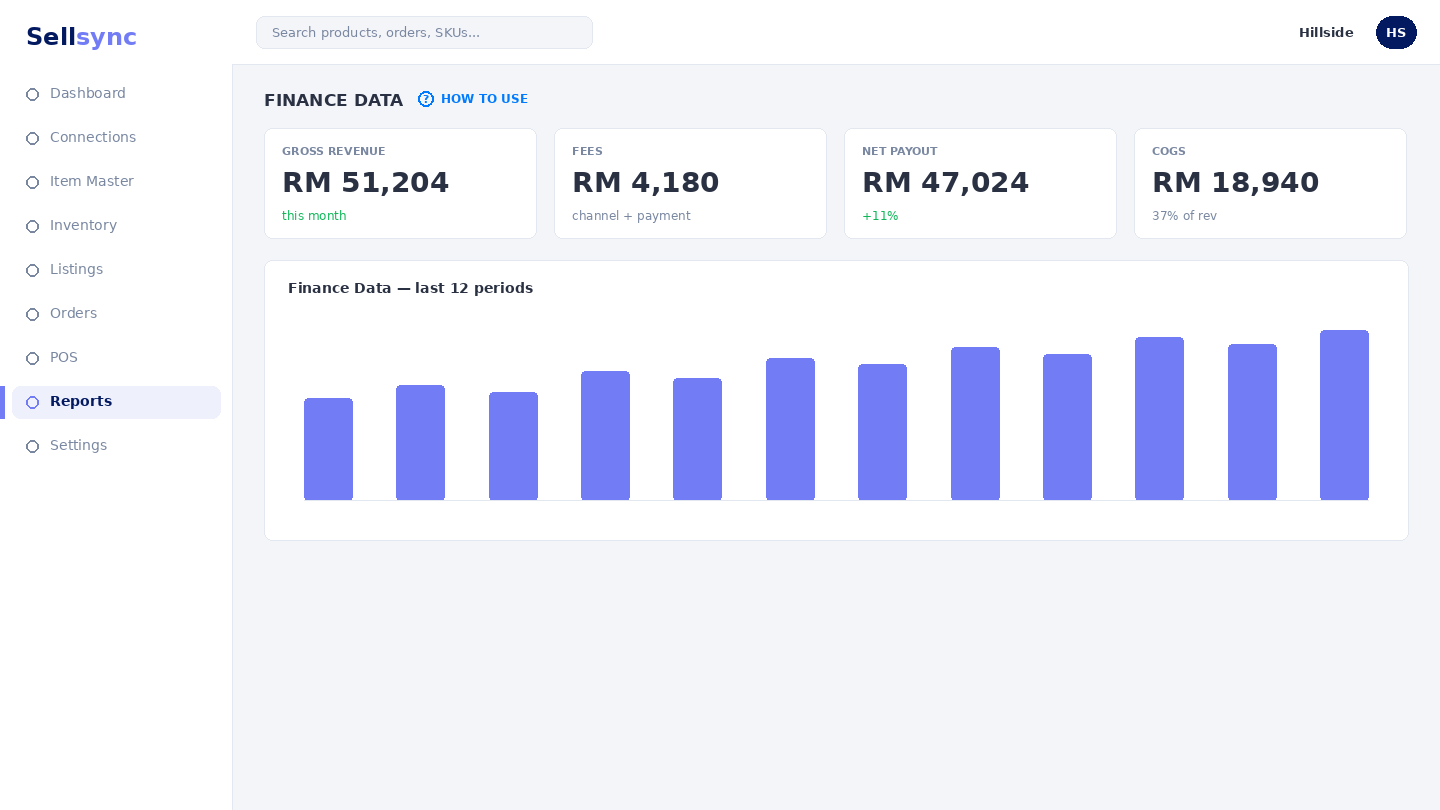
Finance data is the money view of your orders — what came in and what is still incomplete. The Orders Without Finance list helps you find orders that need attention before you reconcile.
Steps
- 1Open the Finance Data screen.
- 2Review the financial summary of your orders.
- 3Open Orders Without Finance to find incomplete records.
- 4Resolve the gaps so your figures are complete.
- 5Export or pass the data on for reconciliation.
Good to know
Connecting a finance integration reduces manual work by carrying this data into your accounting tool.
Remember
Connect an accounting tool under finance integrations to push this data out automatically.
Was this article helpful?