Edit your company settings
Update the company details that appear across Sellsync.
Help ArticleUpdated June 15, 20261 min read
Your company settings hold the details that show up around Sellsync and on your documents. Keeping them current means everything downstream is correct.
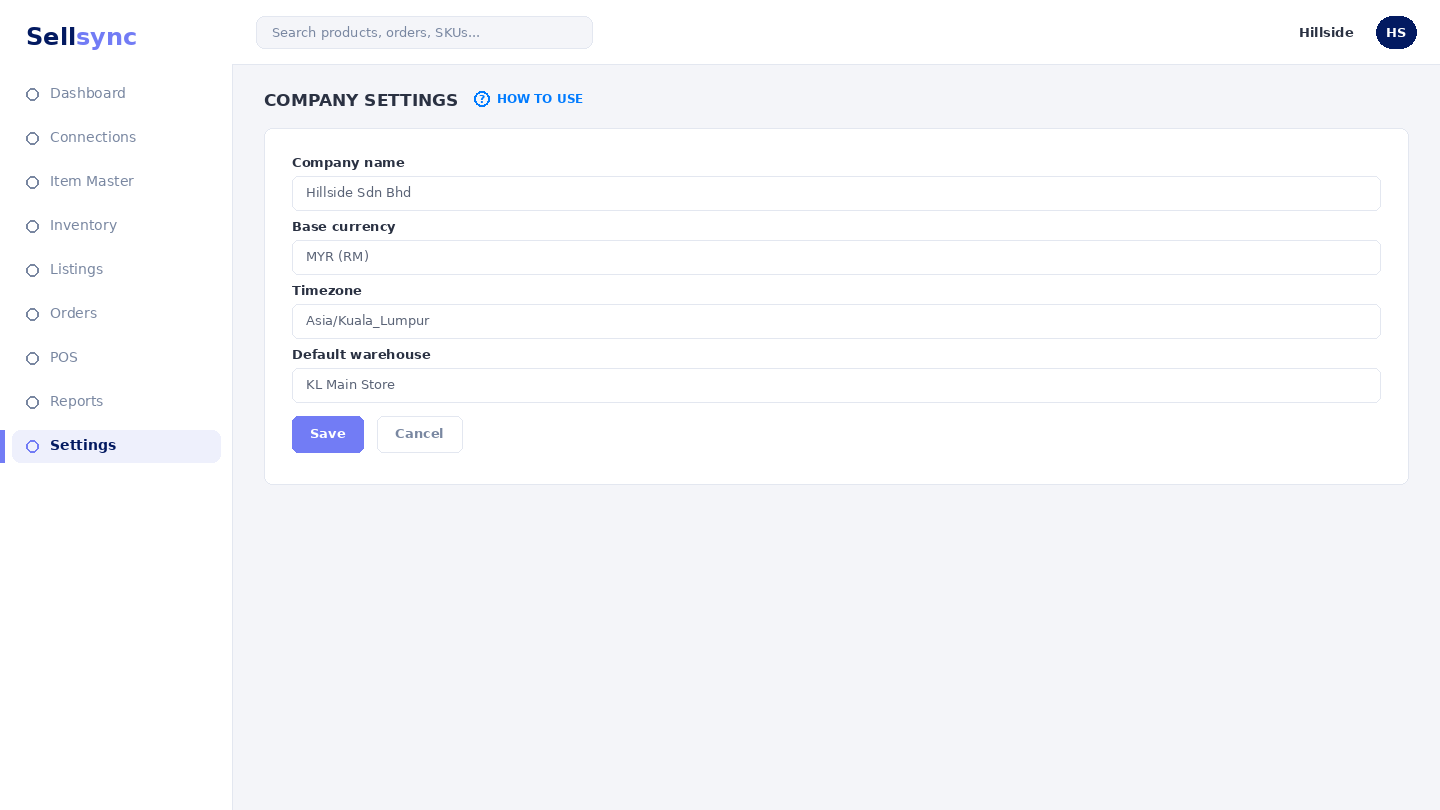
Steps
- 1Open Settings and choose Edit My Company.
- 2Update your company name and details.
- 3Review related options such as inventory deduction settings.
- 4Save your changes.
- 5Check a document or screen to confirm the details show correctly.
Good to know
Some settings, like inventory deduction, change how stock behaves — read their own guide before changing them.
Note
Your company currency and details flow through to receipts, reports, and invoices — set them before you go live.
Was this article helpful?