Manage your team
Invite colleagues and manage who has access to your Sellsync account.
Help ArticleUpdated June 15, 20261 min read
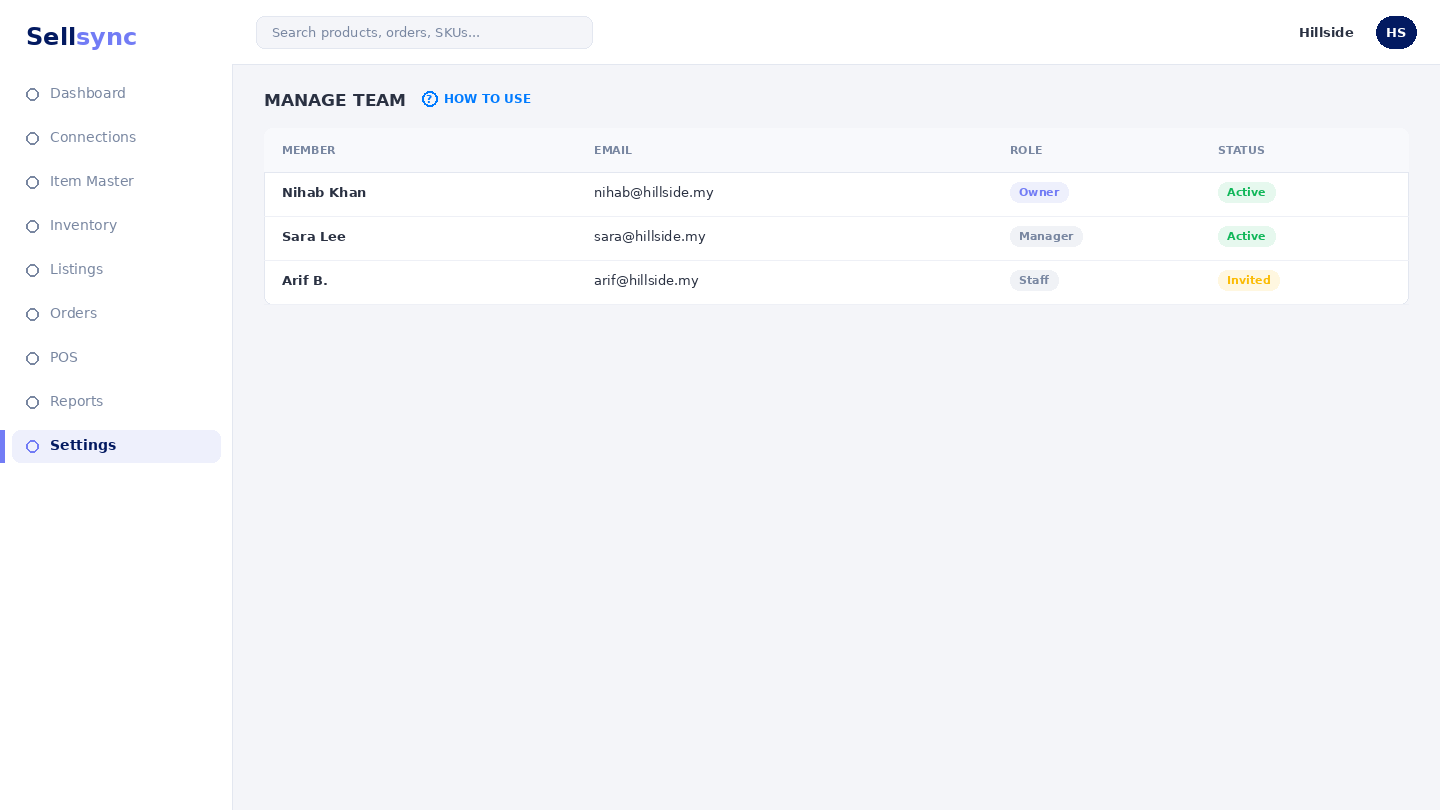
Bring your team into Sellsync so the right people can help run the business. This screen lists your members and lets you invite new ones.
Steps
- 1Open Settings and choose Team Members.
- 2Review who currently has access.
- 3Choose Invite Team Member to add someone.
- 4Enter their details and send the invite.
- 5They join once they accept and sign in.
Good to know
Invite people with their own login rather than sharing one account — it keeps your records clear about who did what.
Remember
Roles control what teammates see — a warehouse user only gets the orders they need to pack.
Was this article helpful?