Update your account
Change your own name, sign-in email, and personal details.
Help ArticleUpdated June 15, 20261 min read
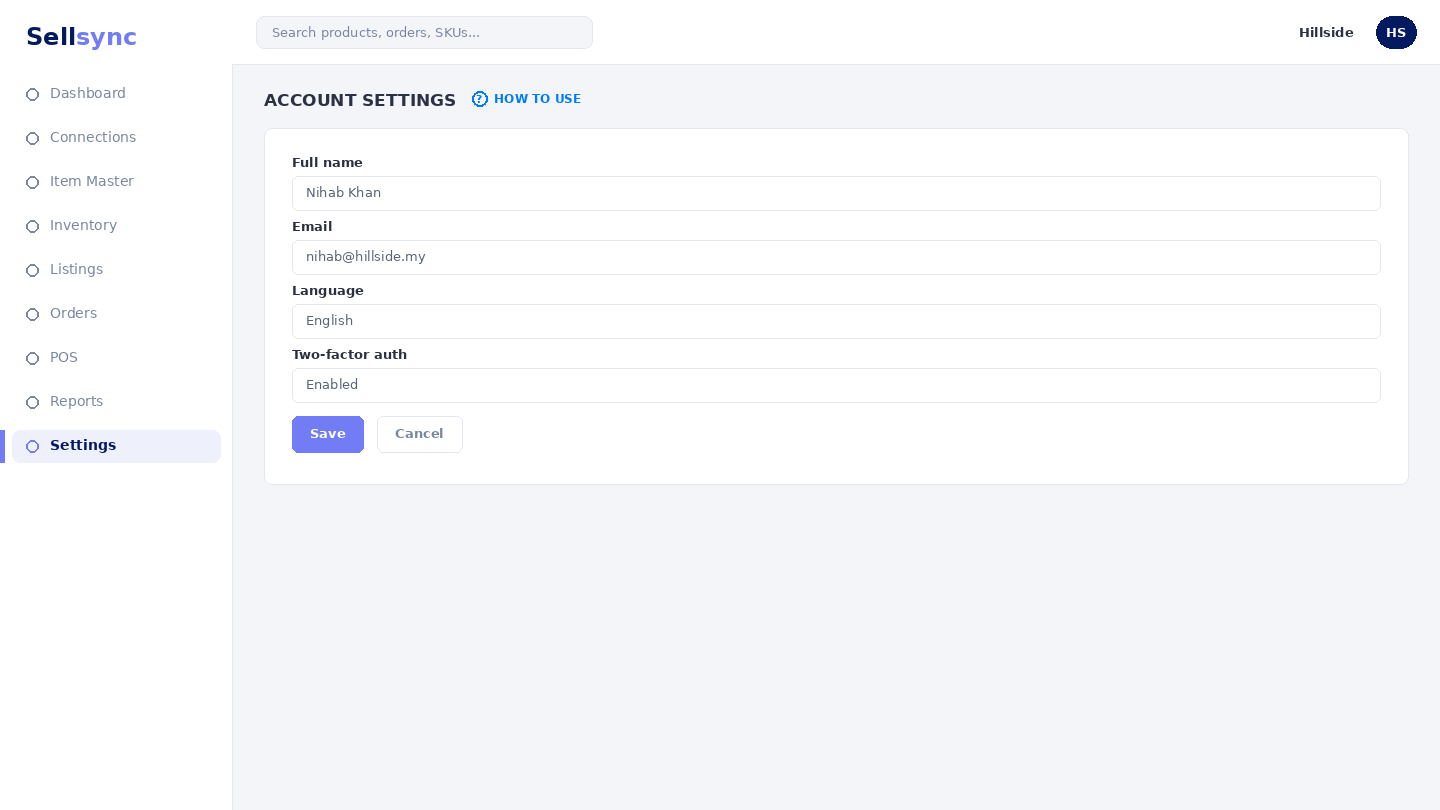
Your account settings are personal to you — your name and the email you sign in with. This is separate from your company settings.
Steps
- 1Open your account and choose Edit My Account.
- 2Update your name or sign-in email.
- 3Adjust any other personal preferences shown.
- 4Save your changes.
- 5Sign in again if you changed details that affect your login.
Good to know
Changing your account does not affect your teammates. Use Team Members to manage other people.
Tip
Change your password from here any time — for a forgotten password, use the reset link on the sign-in screen instead.
Was this article helpful?