Set up finance integrations
Connect an accounting tool so your sales and finance data flow out of Sellsync.
Help ArticleUpdated June 18, 20261 min read
Finance integrations link Sellsync to your accounting software, so the money side of your orders can move across without re-keying.
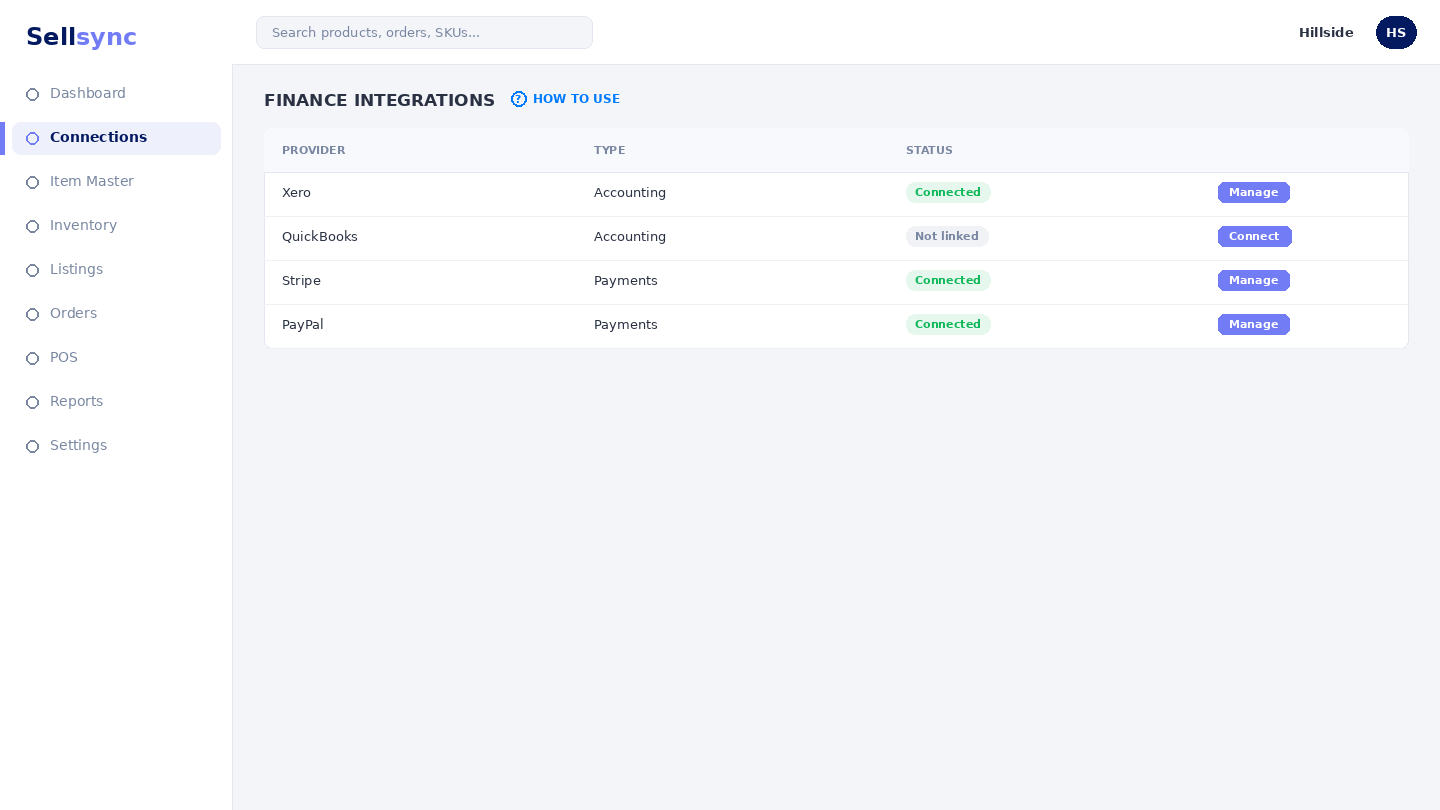
Steps
- 1Open the Finance Integrations screen.
- 2Choose the accounting tool you use.
- 3Follow the prompts to authorise the connection.
- 4Confirm the link is active.
- 5Check that finance data starts to flow through.
Good to know
If your tool is listed as coming soon, you can still work with finance data inside Sellsync and connect later.
Note
You'll authorise the accounting tool in its own window — Sellsync never stores your accounting password.
Was this article helpful?