Create a parent product
Set up a product that groups several SKUs, such as one item in multiple sizes.
Help ArticleUpdated June 19, 20261 min read
Create a parent product when one item comes in variations — sizes, colours, or flavours — that you want to manage together. The SKUs you add afterwards live under this parent.
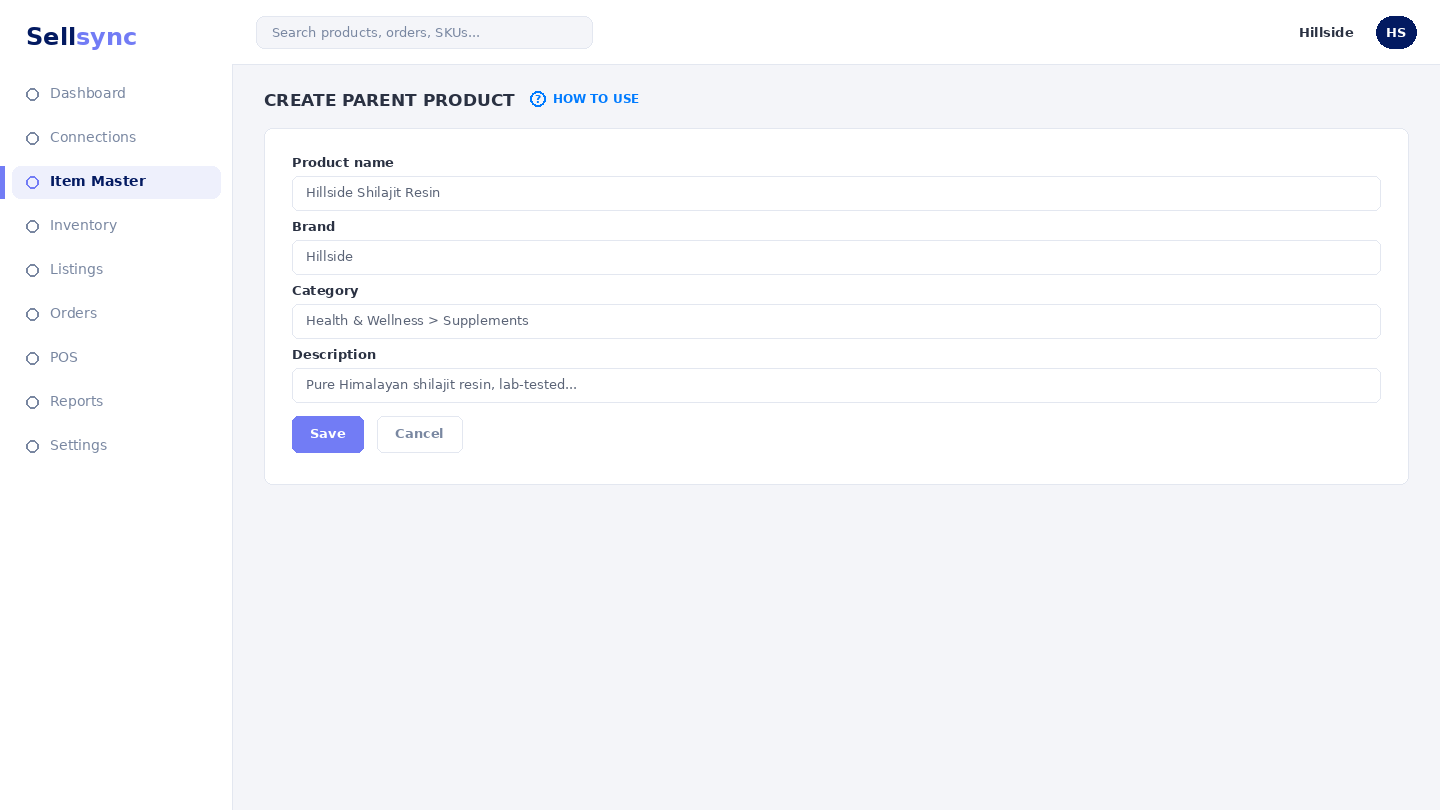
Steps
- 1Open Item Master and choose Create Parent Product.
- 2Enter the product name and a parent SKU code.
- 3Add an image and any details that apply to the whole product.
- 4Save the parent product.
- 5Add its variations with Create Single SKU, choosing this product as the parent.
Good to know
If a product only ever has one code, you can skip this and use Create Single SKU on its own.
Note
A parent with variants needs at least one child SKU before it can be listed or sold.
Was this article helpful?