Create a single SKU
Add one sellable product code, on its own or under a parent product.
Help ArticleUpdated June 19, 20261 min read
A single SKU is one product code with its own price and stock. This is the most common way to add an item you sell.
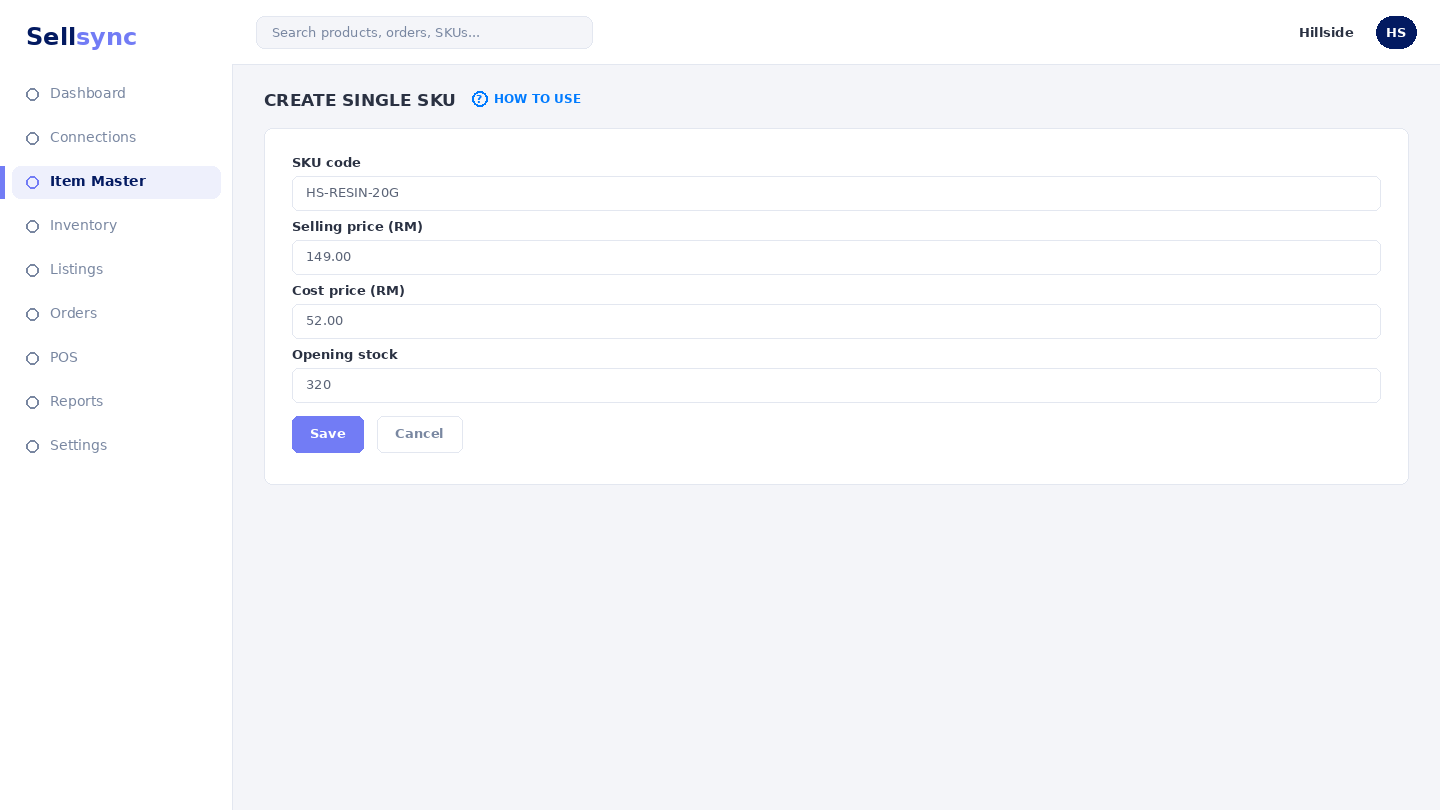
Steps
- 1Open Item Master and choose Create Single SKU.
- 2Enter the SKU code — keep it unique and consistent.
- 3Set the selling price and starting details.
- 4Optionally attach it to a parent product to group it with variations.
- 5Save the SKU so it is ready to list and sell.
Good to know
Once saved, match this SKU to your marketplace listings so stock stays aligned everywhere it sells.
Remember
The SKU code must be unique within your company — it's the key everything else matches against.
Was this article helpful?