Record inbound stock
Log stock coming in — like a supplier delivery — so quantities stay accurate.
Help ArticleUpdated June 17, 20261 min read
Inbound stock is anything arriving into your inventory, such as a new batch from a supplier. Recording it raises the quantity on hand for the SKUs you received.
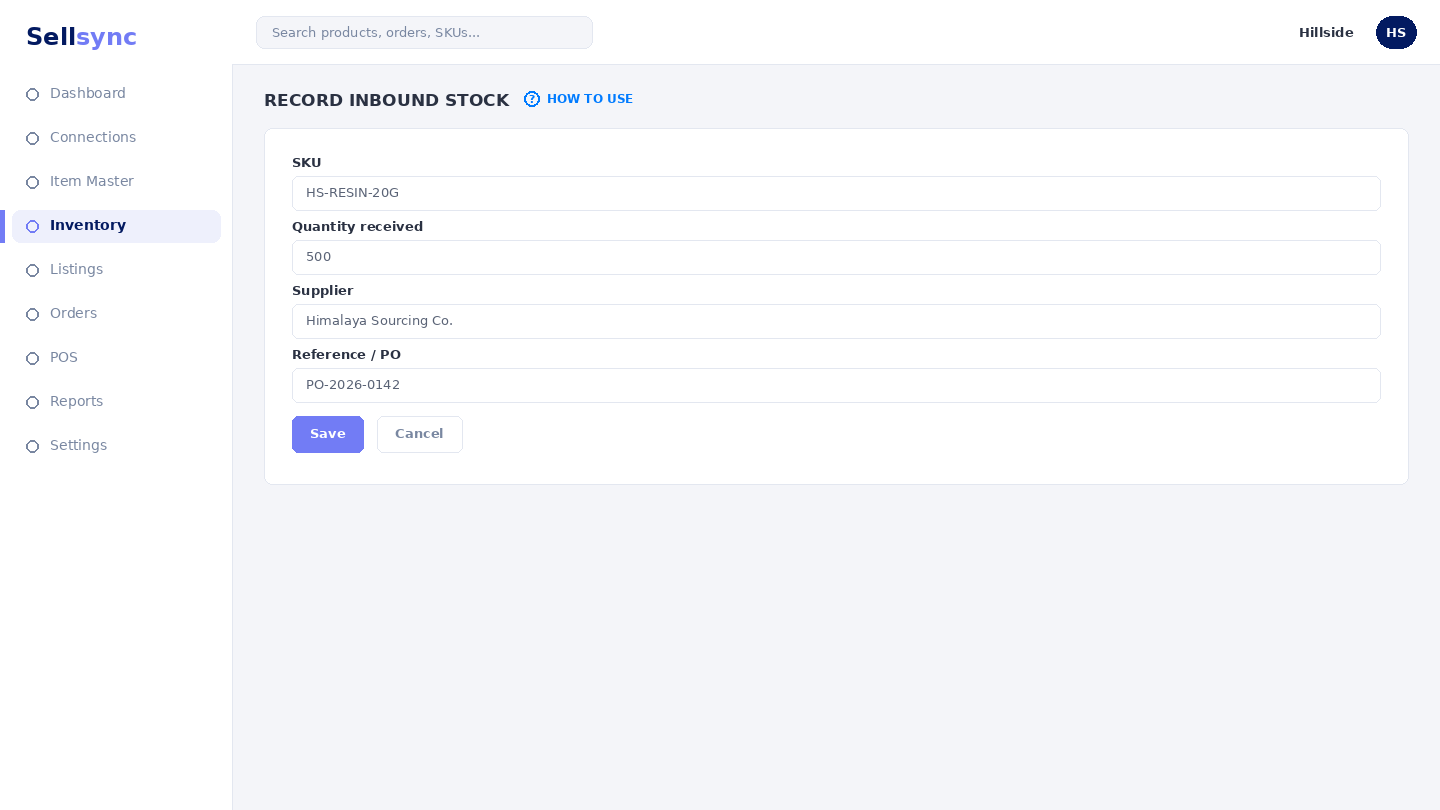
Steps
- 1Open Inventory and choose Inbound Stocks.
- 2Pick the SKU that has arrived.
- 3Enter the quantity received and any reference for the delivery.
- 4Save the record to raise the available quantity.
- 5Check Tracking History if you want to confirm the change.
Good to know
Recording stock here updates availability across every matched channel, so your listings reflect the new quantity straight away.
Remember
Inbound adds to stock at the moment you save it — record deliveries when they actually arrive, not when you order them.
Was this article helpful?