Create and cross-post a listing
Build a listing from a master SKU and publish it to one or several marketplaces.
Help ArticleUpdated June 16, 20261 min read
Listings are how your master products appear on a marketplace. Build the product once, then publish it where you sell.
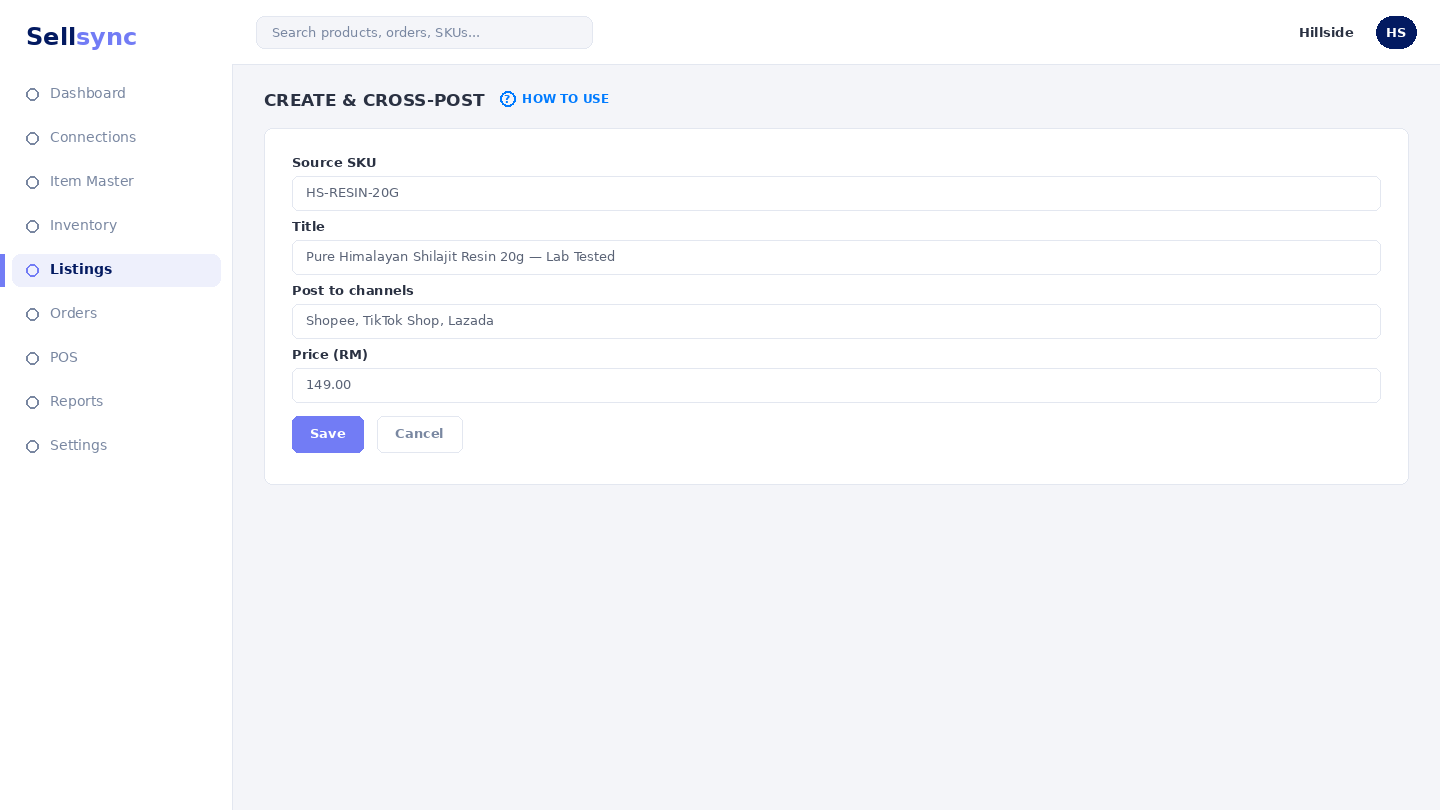
Steps
- 1Open Create Single Listing to publish one item to a channel.
- 2Pick the master SKU, then fill in the channel-specific details.
- 3To reach several marketplaces at once, use Bulk Cross Post.
- 4Track everything under View Matched Listings.
Already have listings?
Use View All Imported Listings to see what came in from your connected channels, and match each one to a master SKU so stock and orders stay aligned.
Tip
Cross-post from one master listing so titles, images, and price stay consistent across channels.
Was this article helpful?