Run bulk discounts
Update prices across many listings at once for a sale or promotion.
Help ArticleUpdated June 13, 20261 min read
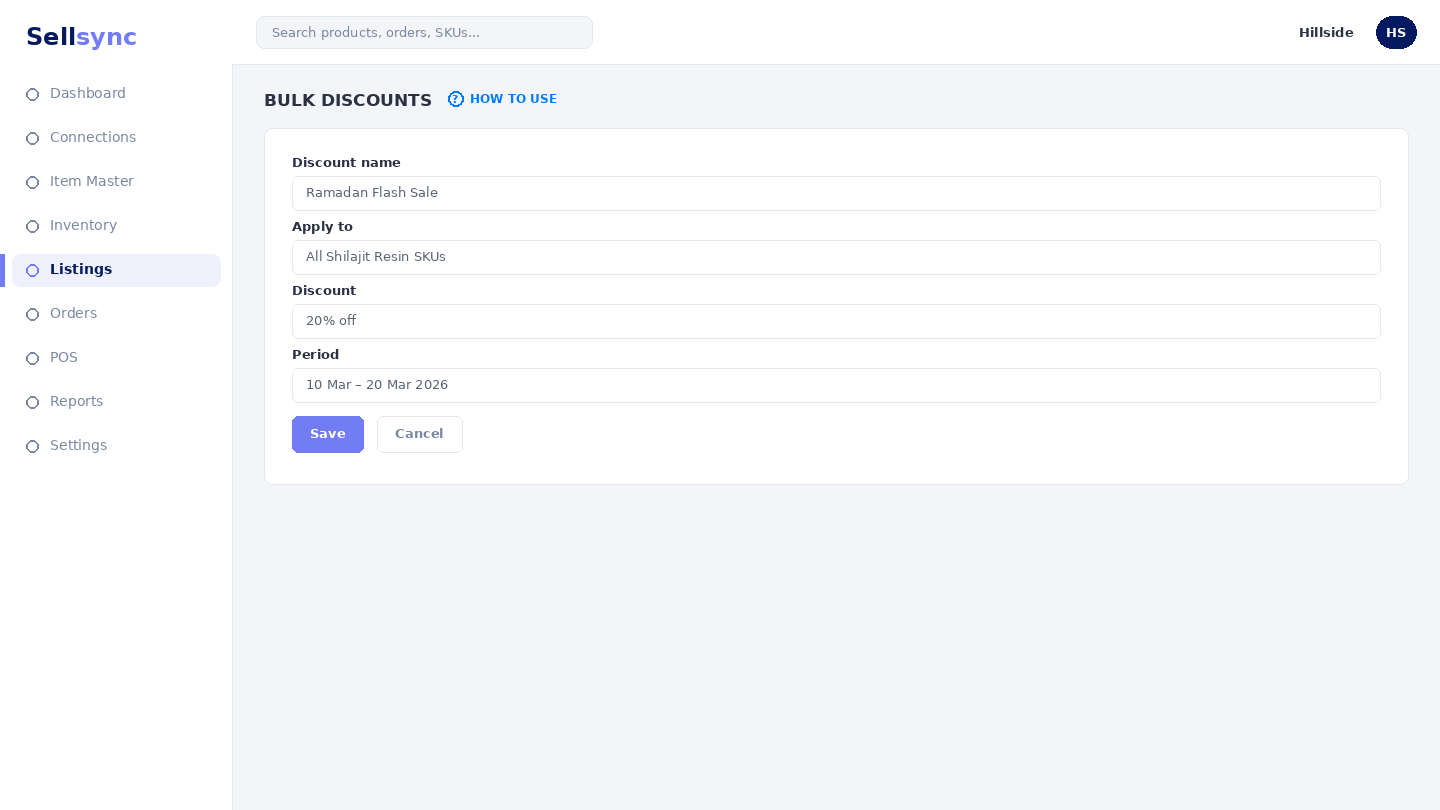
Bulk discounts let you adjust selling prices on a group of listings together — handy for a campaign or a clear-out — instead of editing each listing by hand.
Steps
- 1Open the Bulk Update Discounts screen.
- 2Select the listings you want to put on offer.
- 3Set the discount or new price to apply.
- 4Review the change before you confirm.
- 5Apply the update and check it reflected on your channels.
Good to know
Note your original prices before a big sale so you can set them back afterwards.
Note
Bulk discounts change the listed price on the channel — double-check your margin before you apply a deep cut.
Was this article helpful?