View matched listings
See every listing that is linked to a master SKU and keep them aligned.
Help ArticleUpdated June 16, 20261 min read
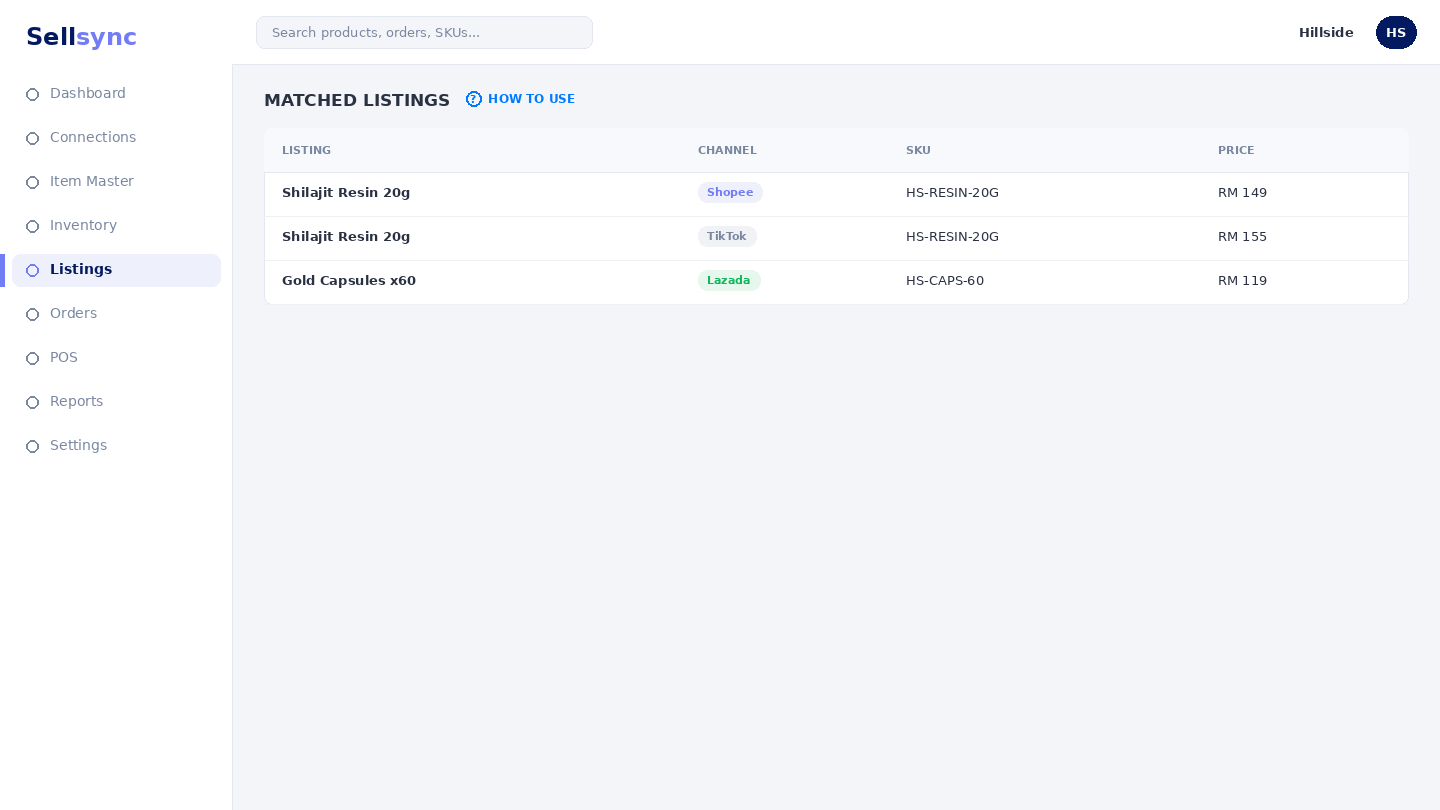
Matched listings are the marketplace listings that point at a master SKU. Once matched, their stock and orders flow through Sellsync. This screen is your overview of those links.
Steps
- 1Open E-Commerce Listings and choose Matched Listings.
- 2Scan the grid to confirm each listing points at the right SKU.
- 3Use Copy Listings Between Platforms to reuse a listing elsewhere.
- 4Open a listing to review or change its channel details.
- 5Fix any listing that looks mismatched so stock stays correct.
Good to know
If a listing is missing here, it may still be unmatched — check imported listings and match it to a SKU.
Tip
A green match means stock is syncing. Anything unmatched should go through Match imported listings.
Was this article helpful?