Set up automations
Turn on automatic syncing so stock and listings push to your shops without manual work.
Help ArticleUpdated June 17, 20261 min read
Automations let Sellsync keep your shops up to date on their own — pushing stock and listing changes out so you do not have to repeat the work on each channel.
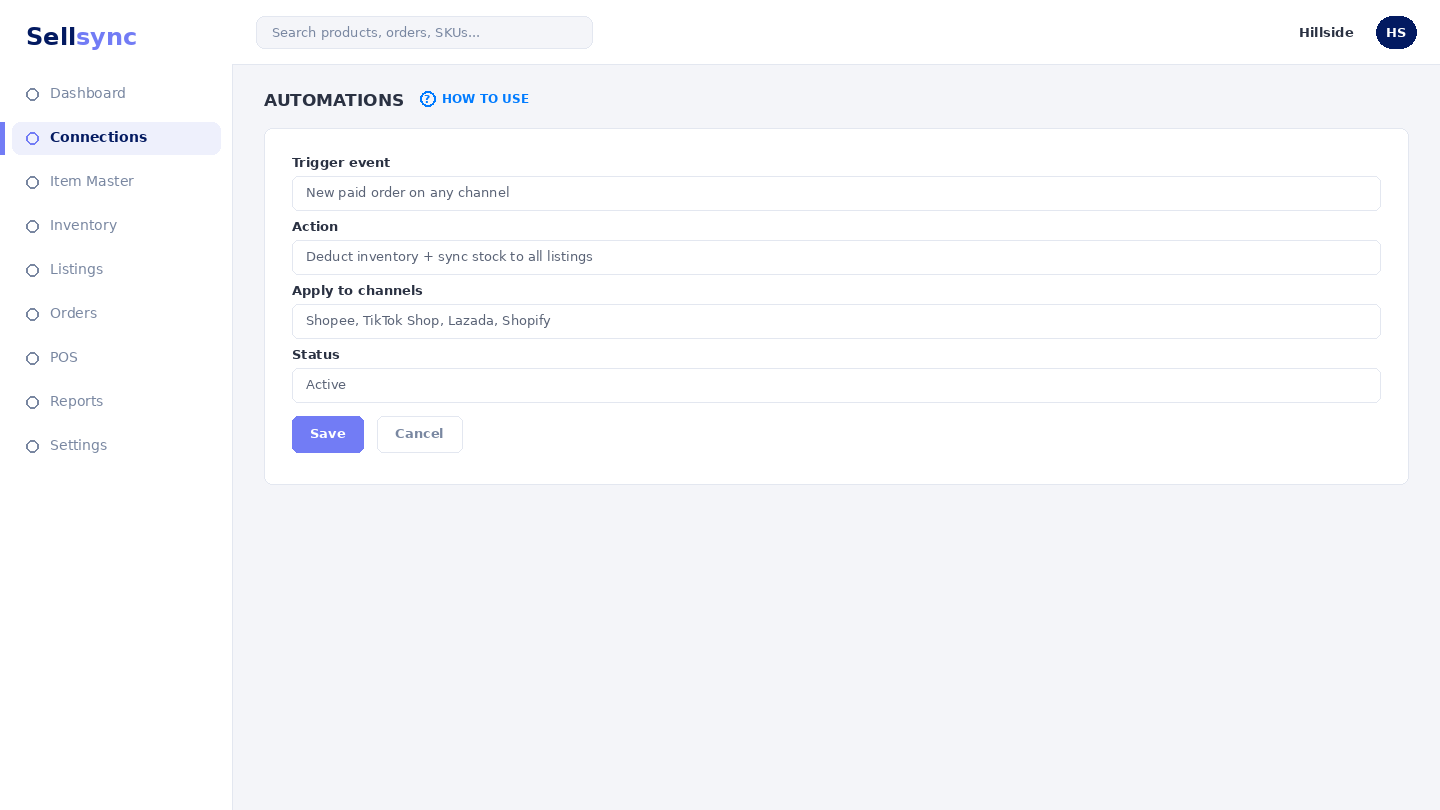
Steps
- 1Open Automations from the sidebar.
- 2Review each connected shop and what can be automated.
- 3Turn on the automations you want for a shop.
- 4Use Push to All Shops to apply an update everywhere at once.
- 5Check the result on one shop to confirm it worked.
Good to know
Automations need a connected, matched shop to act on. Connect a channel and match its listings first.
Tip
Turn automations on one at a time so you can see exactly what each rule changes in your workflow.
Was this article helpful?