Handle in-store pickup
Mark orders as collected when customers pick them up in person.
Help ArticleUpdated June 14, 20261 min read
Some customers collect their order at your counter instead of having it shipped. This screen lists those orders so you can mark them collected when they are handed over.
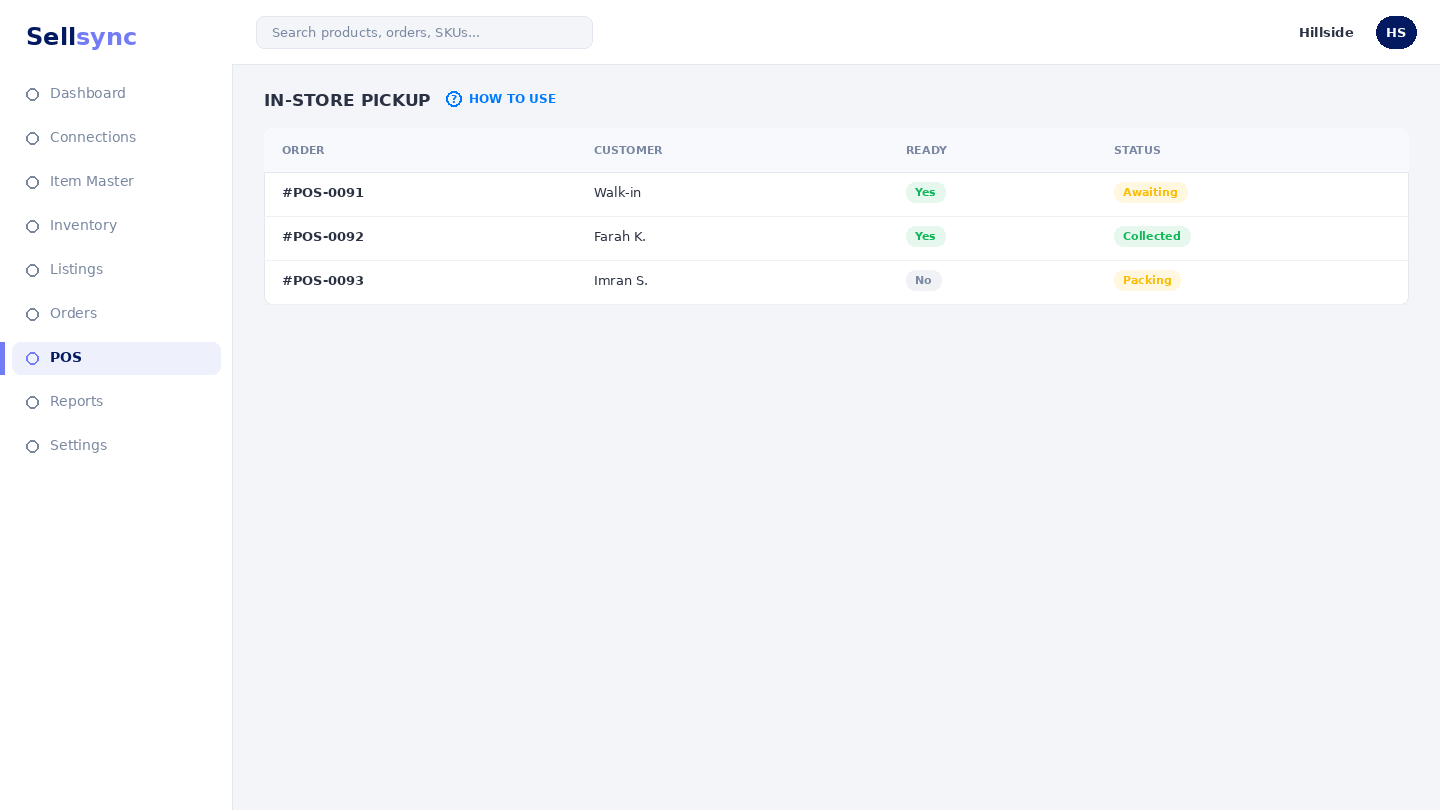
Steps
- 1Open Orders and choose In-Store Pickup.
- 2Find the order by its number or customer.
- 3Confirm the items match what the customer is collecting.
- 4Mark the order collected.
- 5The order is closed out and stock stays correct.
Good to know
Pickup keeps in-person collection in the same system as your shipped orders, so your records stay complete.
Remember
Marking a pickup as collected deducts stock just like a shipped order — so your counts stay correct.
Was this article helpful?