Inventory deduction settings
Choose when stock is taken off availability as orders move through fulfilment.
Help ArticleUpdated June 15, 20261 min read
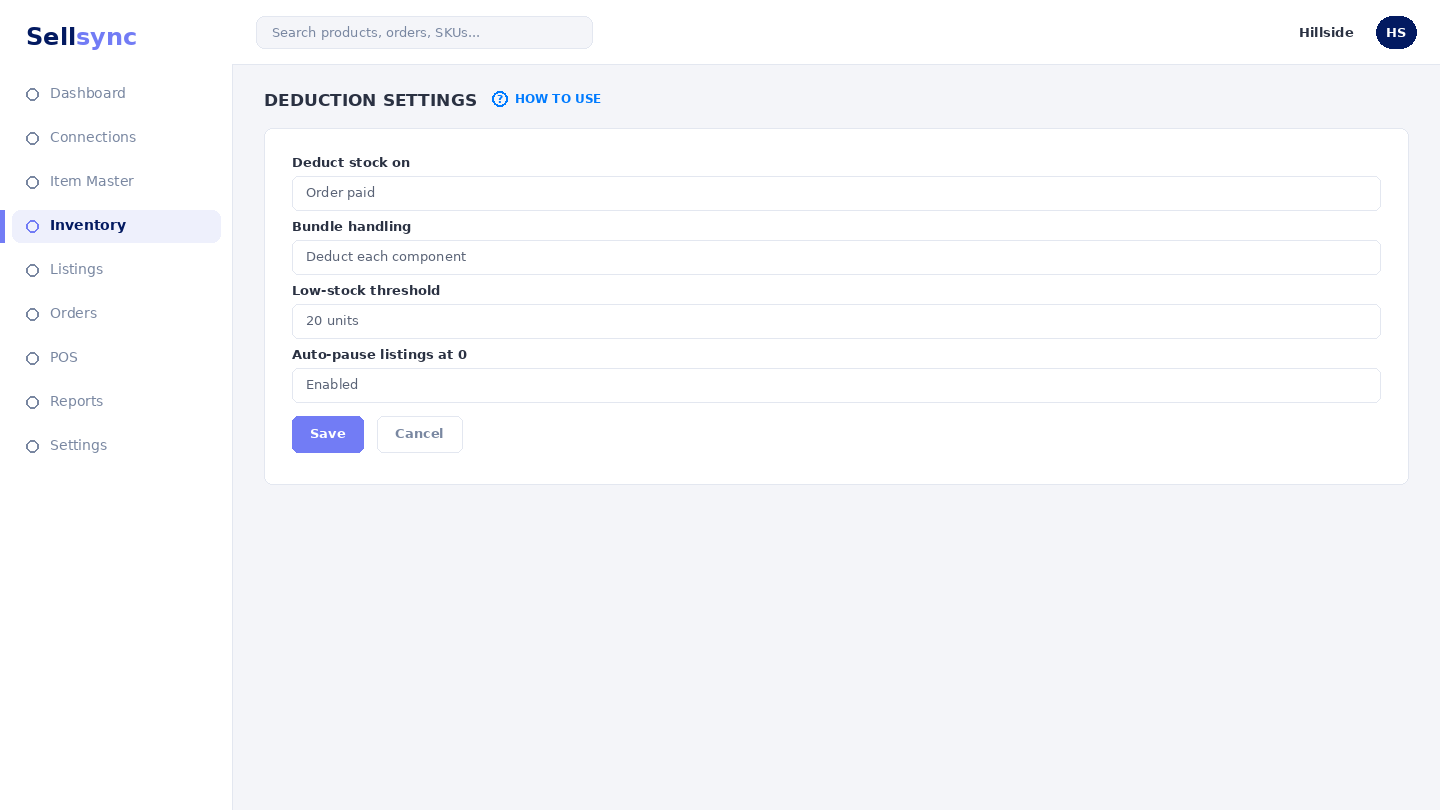
Deduction settings control the moment Sellsync lowers your available stock — for example when an order is placed versus when it ships. Getting this right keeps channels from overselling.
Steps
- 1Open Settings and go to the inventory deduction settings.
- 2Choose the stage at which stock should be deducted.
- 3Review how this affects availability shown on your channels.
- 4Save your choice.
- 5Watch your next few orders to confirm it behaves as expected.
Good to know
This is a company-wide setting. Change it when business is quiet so you can confirm the effect without surprises.
Remember
Set your deduction rules before you start selling so stock moves at the right order stage.
Was this article helpful?