Record outbound stock
Log stock leaving for reasons other than a sale, such as damage or transfers.
Help ArticleUpdated June 17, 20261 min read
Outbound stock covers units that leave your inventory without being a normal sale — breakages, samples, or a transfer to another location. Recording it keeps your quantity on hand honest.
Steps
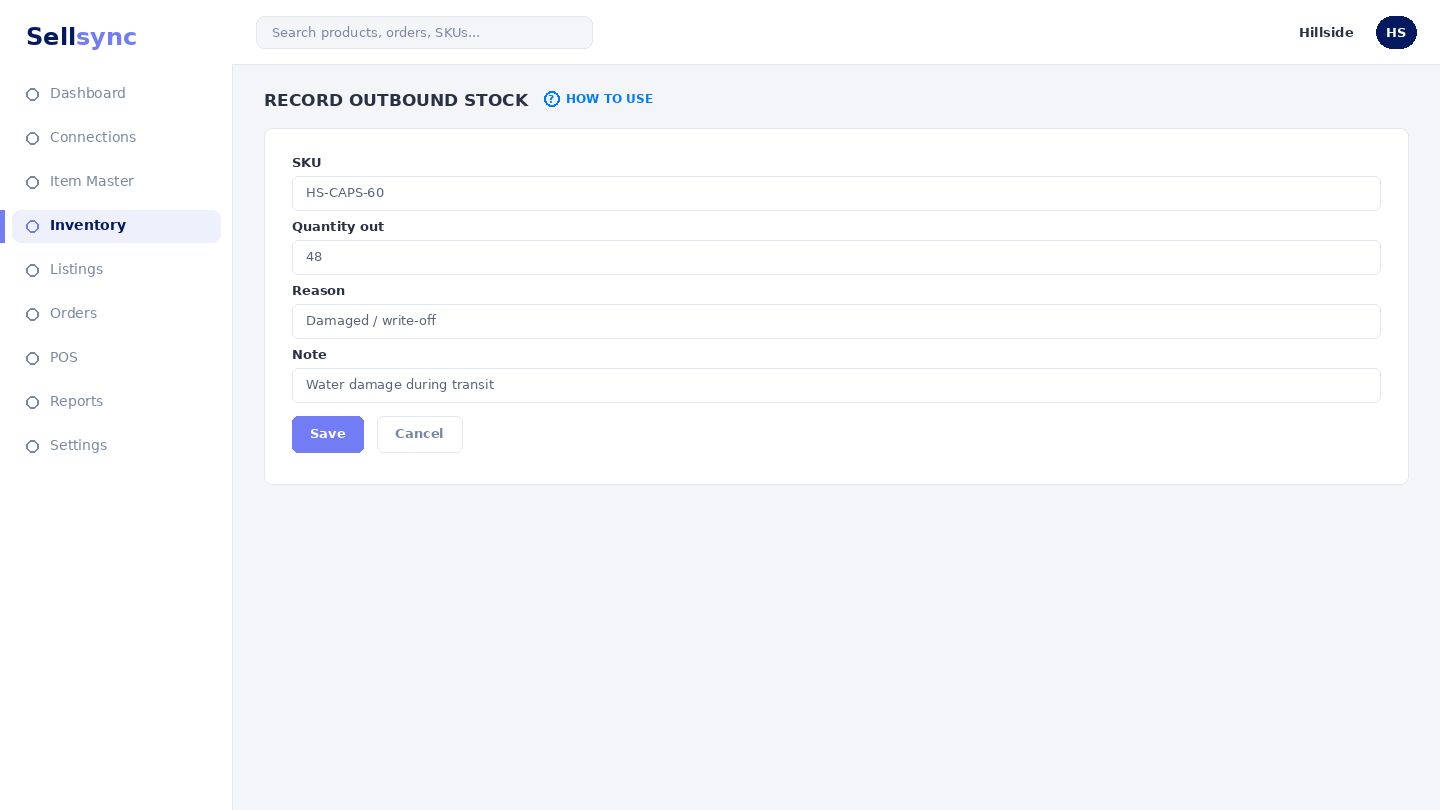
- 1Open Inventory and choose Outbound Stocks.
- 2Pick the SKU that is leaving stock.
- 3Enter the quantity and a reason, such as damaged or transferred.
- 4Save the record to lower the available quantity.
- 5Review Tracking History to see the movement alongside others.
Good to know
Use outbound records for non-sale reductions only. Sales already lower stock automatically when an order is placed.
Note
Use outbound for stock that leaves outside a sale — damages, samples, or transfers — so your count stays honest.
Was this article helpful?