Manage Shopee promotions
Review and organise the promotions that apply to your Shopee listings.
Help ArticleUpdated June 13, 20261 min read
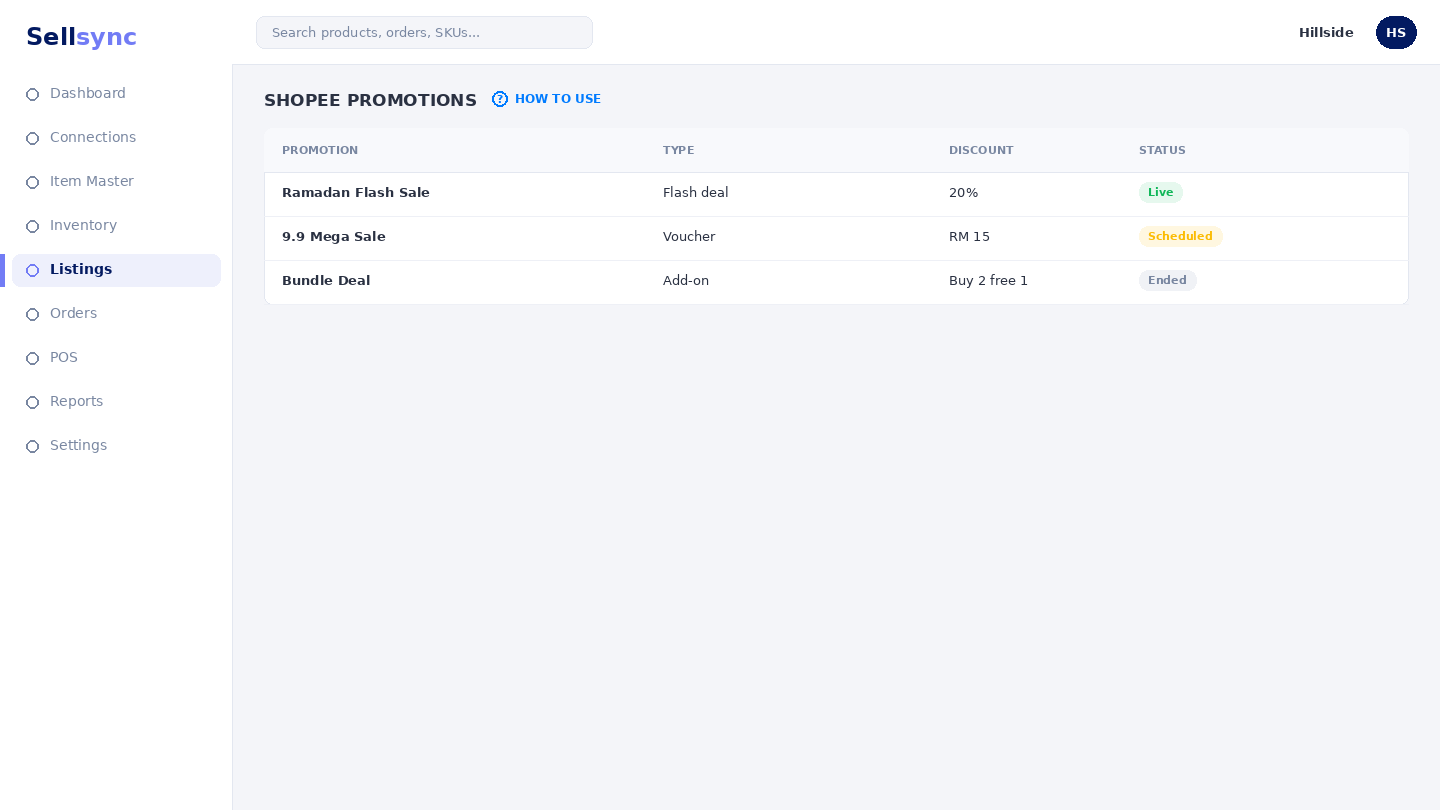
This screen brings your Shopee promotions into Sellsync so you can see what is running and keep your campaign pricing in one place.
Steps
- 1Make sure your Shopee shop is connected under Platform Connections.
- 2Open the Shopee Promotions screen.
- 3Review the promotions and the listings they affect.
- 4Use this view to plan your pricing alongside bulk discounts.
- 5Return after a campaign to confirm prices have reverted.
Good to know
Promotions depend on a live Shopee connection. If nothing shows, check the channel is connected and has finished importing.
Tip
Line up promotions with Shopee campaign dates so your discount goes live exactly when shoppers are looking.
Was this article helpful?