Spot overstock
Find SKUs you are holding too much of so you can act before they tie up cash.
Help ArticleUpdated June 19, 20261 min read
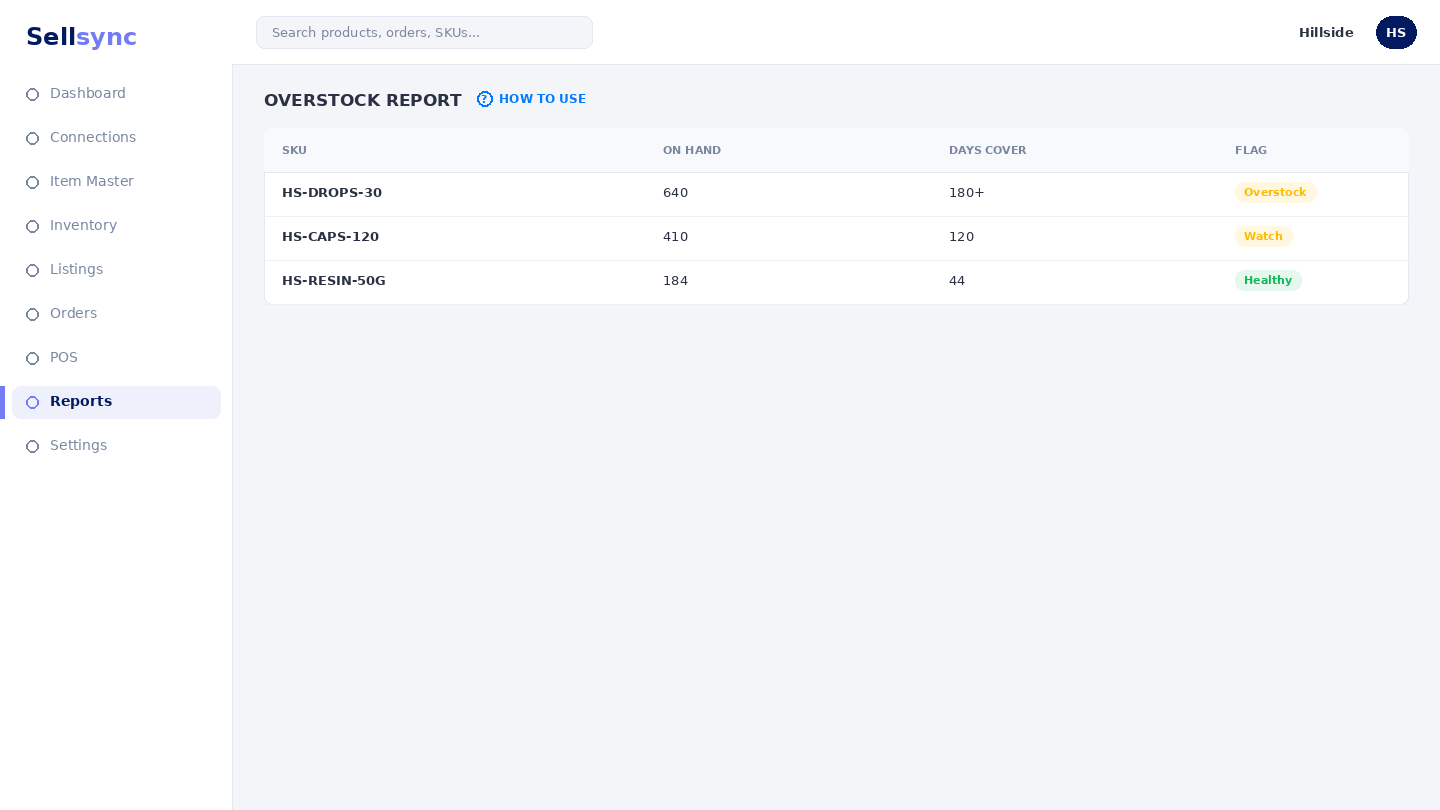
Overstock analysis highlights SKUs where you are carrying more than you are selling. Catching these early frees up cash and shelf space.
Steps
- 1Open Reports and choose Overstock Analysis.
- 2Review the SKUs flagged as overstocked.
- 3Check how their stock compares to recent sales.
- 4Decide whether to discount, bundle, or pause reordering.
- 5Recheck after a campaign to see the position improve.
Good to know
Pairing this with bulk discounts is an easy way to move slow stock without editing each listing by hand.
Tip
Clear slow movers flagged here with a bulk discount before they tie up more cash.
Was this article helpful?