View and edit single SKUs
Browse every SKU in your catalogue and update its price, code, or details.
Help ArticleUpdated June 21, 20261 min read
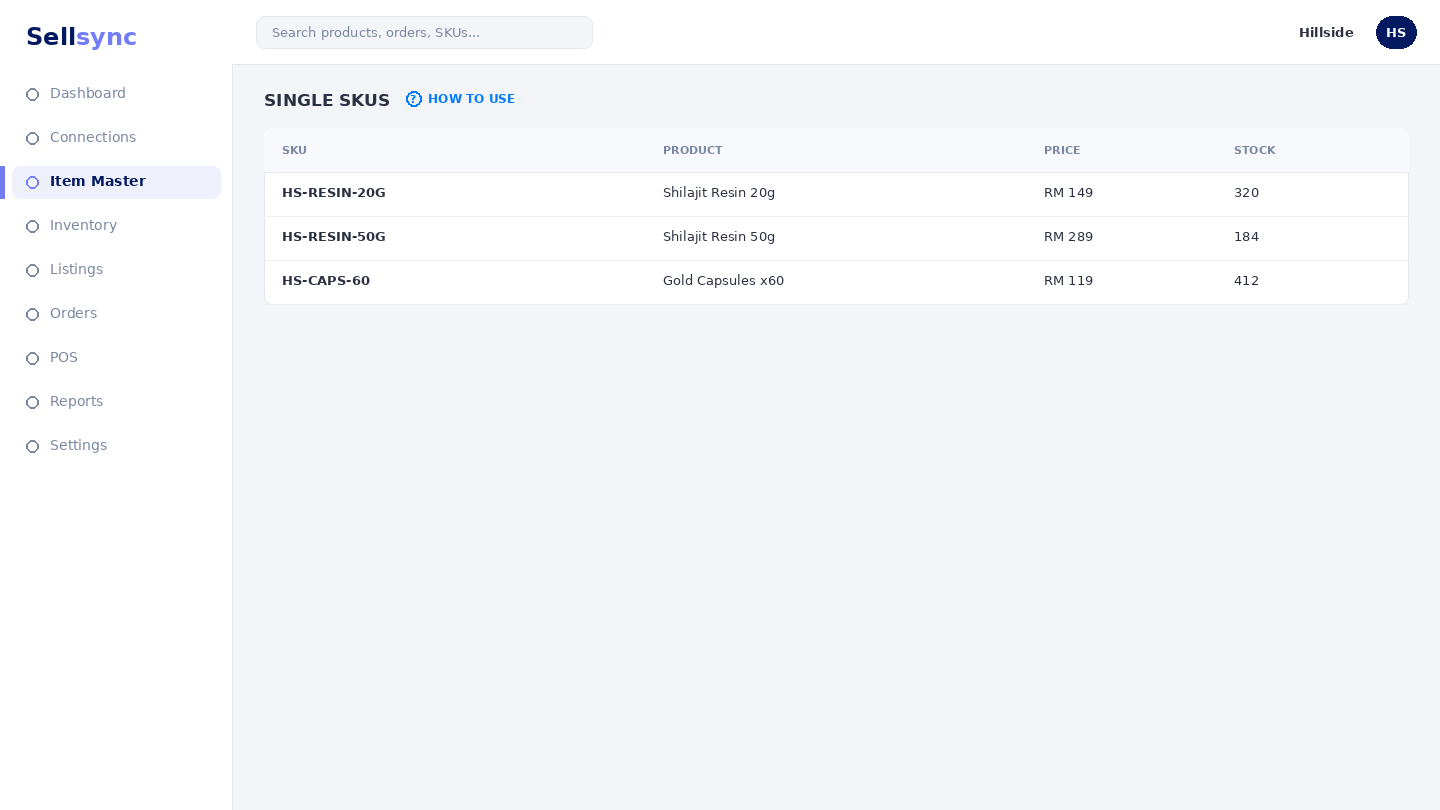
The Variant SKUs list shows each sellable code you stock, with its parent product, quantity on hand, and selling price. It is where you check and correct the details a SKU carries everywhere else.
Steps
- 1Open Item Master and choose View/Edit Single SKUs.
- 2Search for the SKU you want by code or product name.
- 3Click Edit to change its selling price or other fields, then save.
- 4Use Export to Excel to download the full list for offline review.
- 5Add a brand-new code with + New Variant.
Good to know
Quantity on hand is driven by your stock movements and sales, so adjust it through Inbound and Outbound Stocks rather than editing it by guesswork.
Tip
Use the search and filters at the top to jump straight to a SKU instead of scrolling the whole list.
Was this article helpful?